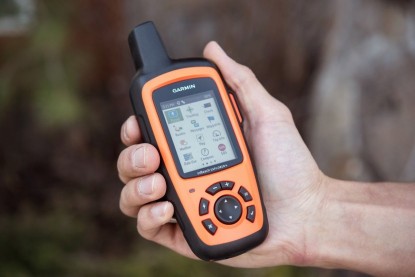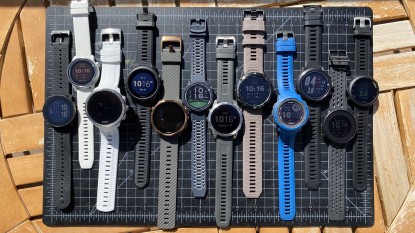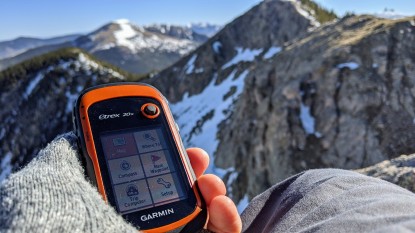
For the past 8 years, we've tested 25 of the top handheld GPS units side-by-side. Our review directly compares 7 of the best models available on the market today. An expert team of analysts has navigated through whiteouts, desert washes, fog-covered forests, and high mountain passes from Alaska to the Four Corners. Our intensive field testing pushes the limits of these units and helps highlight strengths and weaknesses relative to the competition. Our comprehensive review goes in-depth to cover the key features, capabilities, and limitations of each device. So next time you strike out on an adventure, you'll know you're on the right track with the best handheld GPS unit for your needs.
For more navigation help when heading out for a hike or backpacking, you might also like our reviews on the best GPS watches and best satellite messengers. We've also tested the top walkie talkies for communicating with your backcountry partner. Carrying devices like these can inspire confidence when you venture out of cell range, whether on skis or striding in a pair of top-rated hiking boots.The 3 Best Handheld GPSs
We put a variety of handheld GPS units to head to head testing in order to find the best products

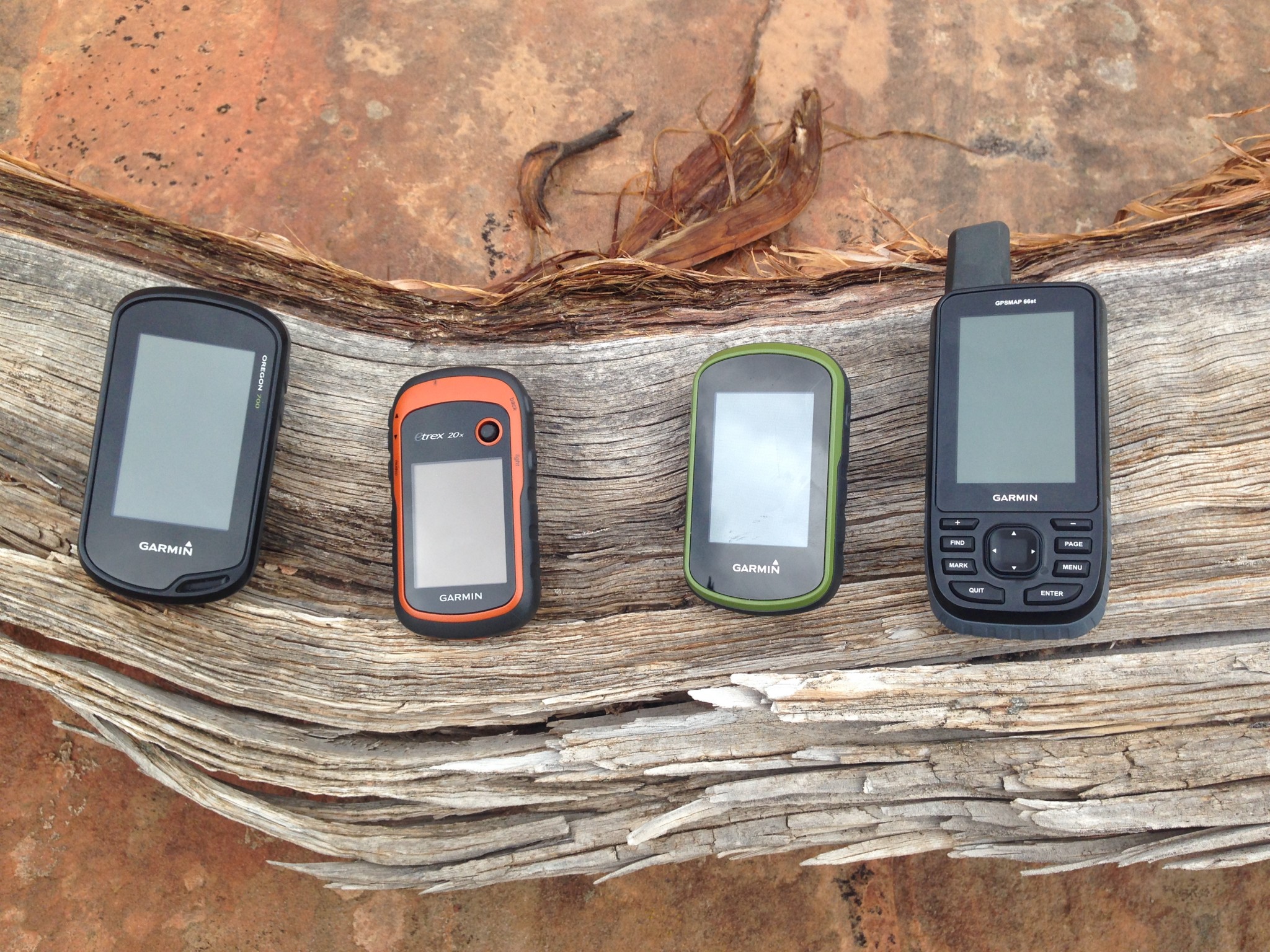
The Oregon 700, eTrex 20x, eTrex Touch 35, and the GPSMAP 66st
Credit: Ethan Newman
Thursday May 11, 2023
| Awards |  |  | |||
|---|---|---|---|---|---|
| Price | $450 List | $550 List | $450 List | $600 List $509.00 at Amazon | $279.99 at Amazon Compare at 2 sellers |
Overall Score  |
|||||
| Star Rating | |||||
| Pros | Excellent reception, large buttons, big screen, smart notifications and connectivity | Straight-forward touchscreen interface, preloaded topo maps, camera for easy geo-tagging and sharing | Easy and affordable two-way messaging, great smartphone app, feature loaded, proven global network | Huge touchscreen, fast processing speed, shock and water resistant | Reasonably priced, includes barometric altimeter and electronic compass, small and lightweight, long battery life |
| Cons | Expensive, bulky, complicated connectivity between devices | Touchscreen performance when wet, potential battery issues, expensive | Expensive initial purchase, largest and heaviest messenger | Big and heavy, expensive, less practical as a handheld unit | Small screen, lack of connectivity, tedious user interface |
| Bottom Line | Our favorite model, this reliable and accurate GPS unit is full of features | This touchscreen unit strikes a nice balance between straightforward functionality and high-end capabilities | Fully featured and arguably more reliable even than commonly available satellite phones | An extremely capable handheld unit, with a size and design better suited to mounting on an ATV or touring motorcycle | The addition of an altimeter and electronic compass make this lightweight unit one of the most cost-effective options on the market |
| Rating Categories | Garmin GPSMAP 66st | Garmin Oregon 750t | Garmin inReach Expl... | Garmin Montana 700 | Garmin eTrex 32x |
| Reception (20%) | |||||
| Ease of Use (20%) | |||||
| Display Quality (20%) | |||||
| Speed (15%) | |||||
| Weight and Size (15%) | |||||
| Versatility (10%) | |||||
| Specs | Garmin GPSMAP 66st | Garmin Oregon 750t | Garmin inReach Expl... | Garmin Montana 700 | Garmin eTrex 32x |
| Battery Life | GPS Mode: 16 hours Expedition Mode: 170 hours |
16 hours | 100 hours (Default, 10-minute tracking mode) 30 days (at 30-minute interval power save mode) |
GPS Mode: 18 Expedition Mode: 330 |
25 hours |
| Water Resistant? | Yes, IPX7 | Yes, IPX7 | Yes, IPX7 | Yes, IPX7 | Yes, IPX7 |
| No. of Waypoints | 10,000 | 10,000 | 500 | 10,000 | 2,000 |
| Saved Tracks / Points per Track | 250 / 20,000 | 250 / 20,000 | 20 / 500 | 250 / 20,000 | 200 / 10,000 |
| Preloaded Maps | Topo 100k, US and Canada | Topo 100k, US | Topo 1:25k, U.S. and Canada | US Federal Public Lands; Garmin TopoActive (regional) |
Garmin TopoActive; Routable (OpenStreetMap) |
| Dimensions (in.) | 2.5 x 6.4 x 1.4 | 2.4 x 4.5 x 1.3 | 2.7 x 6.5 x 1.5 | 3.4 x 7.2 x 1.3 | 2.1 x 4.0 x 1.3 |
| Weight w/ Batteries (oz.) | 7.5 | 7.4 | 7.5 | 14 | 5 |
| Display Size (in.) | 1.5 x 2.5 | 1.5 x 2.5 | 1.4 x 1.9 | 4.25 x 2.55 | 1.4 x 1.7 |
| Display Resolution (pixels) | 240 x 400 | 241 x 400 | 200 x 265 | 480 x 800 | 240 x 320 |
| Built-in Memory | 16 GB | 4 GB | 2 GB | 16 GB | 8 GB |
| Accepts Data Cards | microSD | microSD | No | microSD | microSD |
| Touchsceen or Buttons? | Buttons | Touchscreen | Buttons | Touchscreen | Buttons |
| Electronic or Differential Compass? | Electronic | Electronic | Electronic | Electronic | Electronic |
| Barometric Altimeter | Yes | Yes | Yes | Yes | Yes |
| Wireless Communication? | Wi-Fi, Bluetooth, ANT+ | Wi-Fi, Bluetooth, ANT+ | Bluetooth | Wi-Fi, Bluetooth, ANT+ | ANT+ |
| Satellite Systems | GPS, GLONASS, Galileo | GPS, GLONASS | GPS | GPS, GLONASS, Galileo | GPS, GLONASS |
| Ability to Add Maps? | Yes | Yes | Yes | Yes | Yes |
| Support Satellite Imagery? | Yes | Yes | No | Yes | Yes |
| Automatic Routing | Yes | Yes | Yes | Yes | Yes |
| Vertical Profiling | Yes | Yes | Yes | Yes | Yes |
| Camera/Video | No | Yes, 8MP Camera | No | No | No |
| Picture Viewer | Yes | Yes | No | Yes | Yes |
| Geocaching (paperless) | Yes | Yes | No | Yes | Yes |
| Hunt/Fish Calendar | Yes | Yes | No | Yes | Yes |
| Sun and Moon Information | Yes | Yes | Yes | Yes | Yes |
| Area Calculator | Yes | Yes | Yes | Yes | Yes |
| Battery Information | 2 AA Batteries | 2 AA Batteries; Rechargeable NiMH pack (optional) | Rechargeable lithium ion | Rechargeable lithium ion battery pack | 2 AA Batteries |
| Online Connect Communities | Garmin Connect | Yes | Garmin Earthmate | Garmin Connect; Connect IQ |
No |
| Screen Info | Transflective color TFT | Transflective color TFT | Transflective, color TFT | WVGA transflective, dual orientation | Transflective, 65K color TFT |
| Interface Information | High-speed micro USB; NMEA 0183 | High-speed micro USB; NMEA 0183 | micro USB | High-speed micro USB; NMEA 0183 | mini USB |
| What Comes in the Box? | -BirdsEye Satellite Imagery subscription included
|
-BirdsEye Satellite Imagery 1-year subscription included
|
-USB cable
|
-BirdsEye Satellite Imagery subscription included
|
-USB cable
|

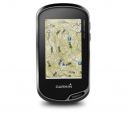

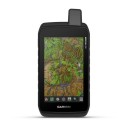
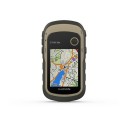
Show full specification details ▼Hide full specification details ▲
Best Overall Handheld GPS
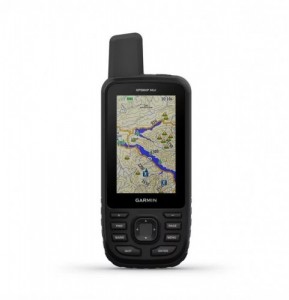
Garmin GPSMAP 66st

REASONS TO BUY
Fantastic reception in thick coverage
Wireless notifications and data sharing
Includes topo maps and Bird's Eye Imagery (without a subscription)
REASONS TO AVOID
Expensive
Bulkier and heavier than most
Advanced features hide behind complex menus
The Garmin GPSMAP 66st is at the top of its class in terms of accuracy and reliability, earning it our top honors. It boasts a powerful quad-helix antenna and reliably connects to more satellite networks with greater accuracy than most other models. Even in less-than-ideal locations, like under thick tree cover or in a tight slot canyon, the GPSMAP 66st can maintain a satellite connection. When in the range of cell service, this unit can pair with your smartphone to overlay real-time weather data on your maps. Its 16GB of internal memory is more than double most other units and comes preloaded with topo maps for the US and Canada and subscription-free access to Garmin's Bird's Eye Imagery.
All of these attributes will cost you a good chunk of change. Yet, the Garmin GPSMAP 66st is worth every penny for those who plan on embarking on expeditionary trips or need high accuracy for field research. As for casual recreation, this device might be overkill. Additional features, such as wirelessly linking to your phone, require a cumbersome setup process. Although it lacks a built-in touchscreen, we appreciate the sizable buttons and intuitive layout. The Garmin GPSMAP 66st is undoubtedly a powerful device, yet it's also easy to use, even in the most extreme field conditions.
Read more: Garmin GPSMAP 66st review
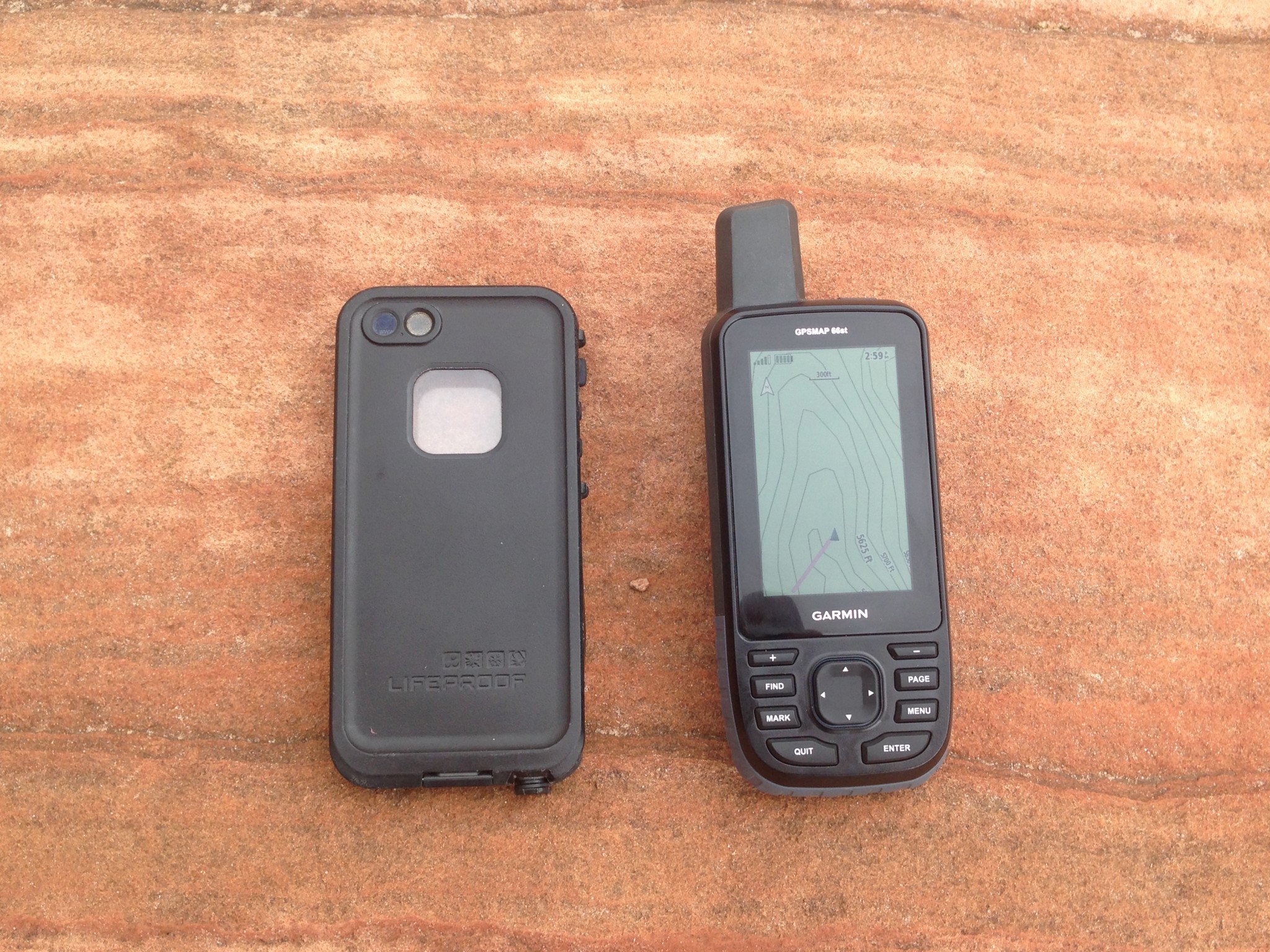
This unit is about the size of a smartphone, but a bit thicker.
Credit: Ethan Newman
Best Bang for Your Buck
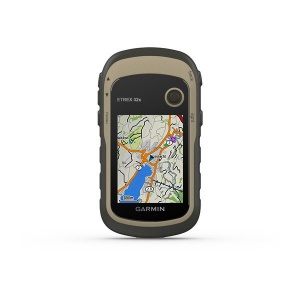
Garmin eTrex 32x

REASONS TO BUY
Reasonably priced
Includes a barometric altimeter and electronic compass
Compact and lightweight
REASONS TO AVOID
Small screen
Lack of connectivity
Tedious user interface
If you're in the market for a straightforward GPS unit that sacrifices little when it comes to pure navigation performance, the Garmin eTrex 32x is a prime choice. It performs well beyond its weight class when compared directly with more advanced models. An excellent value that does not skimp in reception and processing speed, this device comes preloaded with Garmin's TopoActive basemap, which offers adequate data for those who don't want to mess with the process of searching for and uploading individual maps. The available accuracy linking GPS and GLONASS networks is improved by adding a barometric altimeter and a 3-axis digital compass — two sensors often only reserved for much more expensive GPS units. Yet, this enhanced capability somehow doesn't affect its size and weight. Just as small and lightweight as other units in the eTrex line, this compact GPS can easily be stowed away in a pack or tossed into a pocket for a day hike.
Although it's certainly impressive, eTrex 32x has some limitations. Despite its routable navigation ability, the fairly tiny screen is not reasonable for navigating around a new city via car or even daily driving. It is also still very much a base-level GPS unit — although it supports Garmin's BirdsEye Satellite Imagery, it doesn't offer the same level of connectivity as more advanced models. Likewise, many used to modern user interfaces will find the joystick and T9-style keyboards cumbersome or tedious compared to the normalized convenience of a touchscreen. But as a plug-and-play option for simple navigation or a durable, compact, and capable GPS for expeditions, the eTrex 32x presents an affordable option with more advanced capabilities.
Read more: Garmin eTrex 32x review
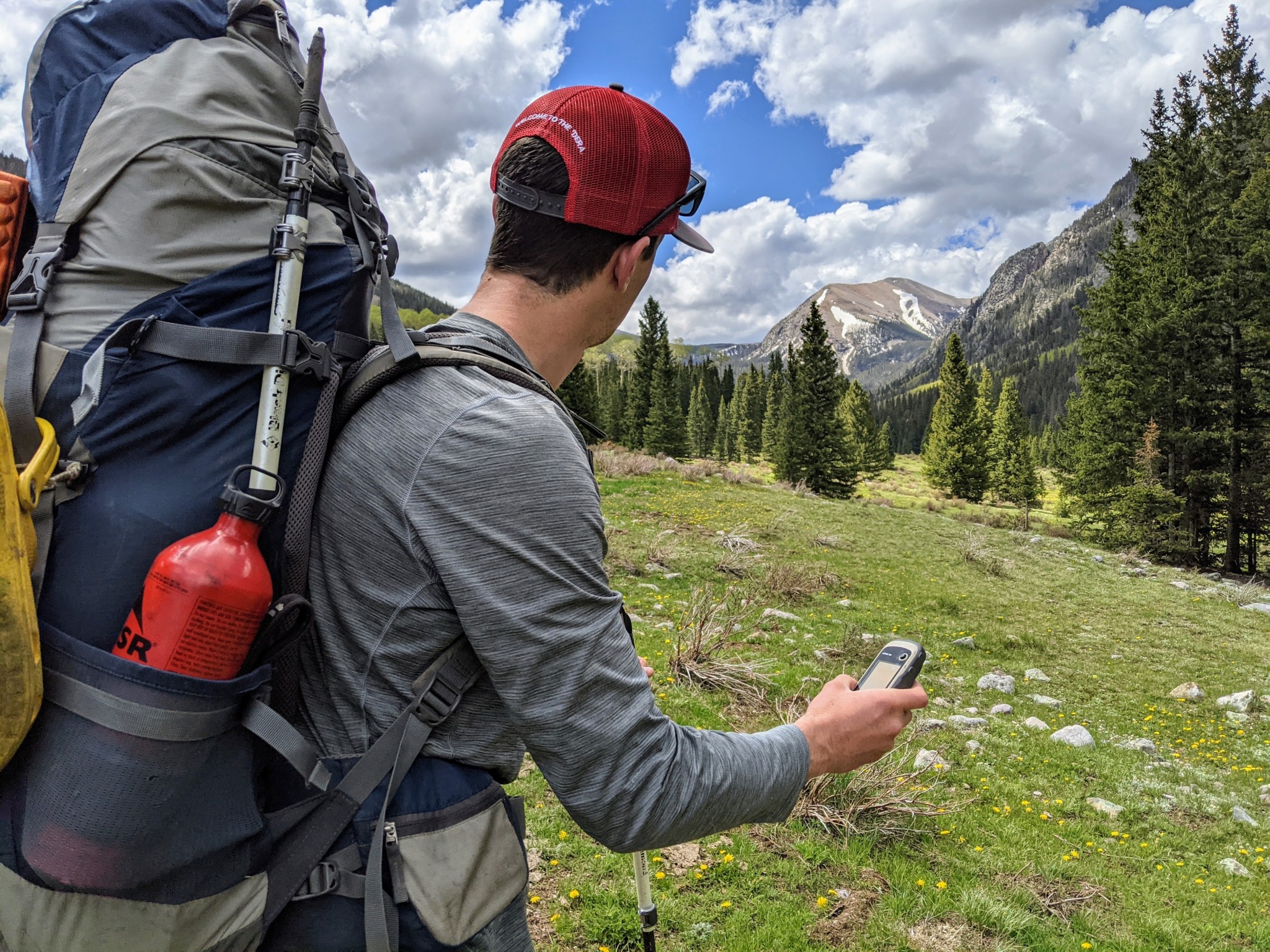
Compact, lightweight, and accurate, the eTrex 32x is the ideal companion for extended backcountry trips.
Credit: Jill Rice
Best for Messaging and Navigation
Garmin inReach Explorer+
Display Size: 1.4" x 1.7" | Touchscreen: No

REASONS TO BUY
Excellent reception
A PLB with messaging capability
Long battery life
REASONS TO AVOID
Limited navigation interface and features
Expensive
Messaging requires a service plan
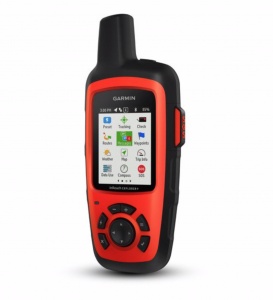
The Garmin inReach Explorer+ is a standout, multifunctional device that keeps you reliably connected, even deep into the backcountry. With GPS navigation, SOS features, and satellite text messaging, the inReach Explorer+ stands out as a highly capable device. We used it for many trips, from alpine climbing in Alaska to trekking in the Patagonian backcountry. Although it is primarily a messaging and SOS device, you can also use the inReach Explorer+ as a handheld GPS. It's easy to share your tracks and location via text messaging and social media. In addition to downloadable maps, the ability to preload waypoints and routes helps plan long trips over complex terrain.
Unfortunately, the Explorer+ comes with far fewer navigation features and a more limited interface than dedicated GPS units. That said, it is fine for simple navigation and tracking. The Explorer+ is also an emergency personal locator beacon. For this reason, we caution against navigating with and draining the batteries of your lifeline. But, if you don't mind relying on a single device and you're willing to carry a backup power source, this is the route to take. For those looking to travel deep in the backcountry with a device featuring both messaging and navigation capabilities, the inReach Explorer+ is unmatched. (We recommend the more compact inReach Mini as a personal locator and messager if you also have another means of navigating.)
Read more: Garmin inReach Explorer+ review

The inReach Explorer+ works seamlessly with a smartphone app to send and receive text and location information.
Credit: Jediah Porter
Compare Products
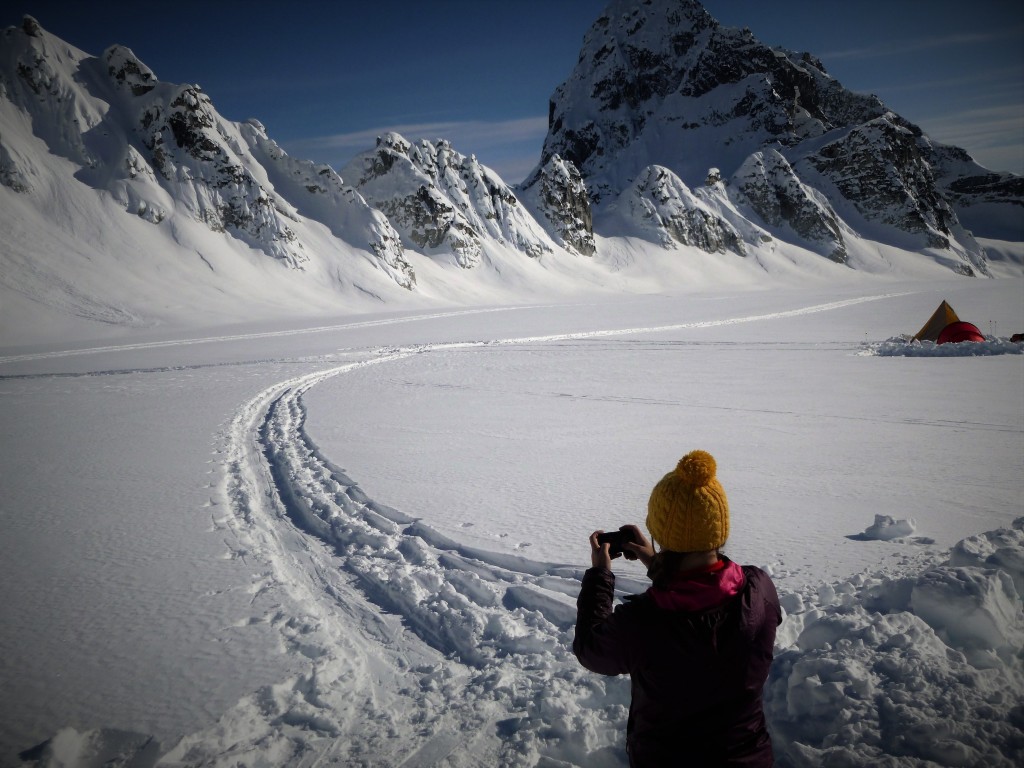
One of our testers was surprised how ubiquitous satellite reception is these days, even in Alaska. All of the Garmin units we tested have very strong and consistent reception.
Credit: Jared Vilhauer
Why You Should Trust Us
To test these devices, we assembled an all-star crew of outdoor adventurers. Our head testers include Chris McNamara, the founder of OutdoorGearLab, who at one point was calculated to have spent 3% of his life on El Capitan in Yosemite; Amber King, who when she's not teaching science to her students, can be found covering long distances running, biking, or rafting in Colorado; Ethan Newmanwho is a climbing and canyoneering guide in Southwest Utah; and Aaron Rice, a ski patroller, avalanche instructor, and wilderness guide in New Mexico.
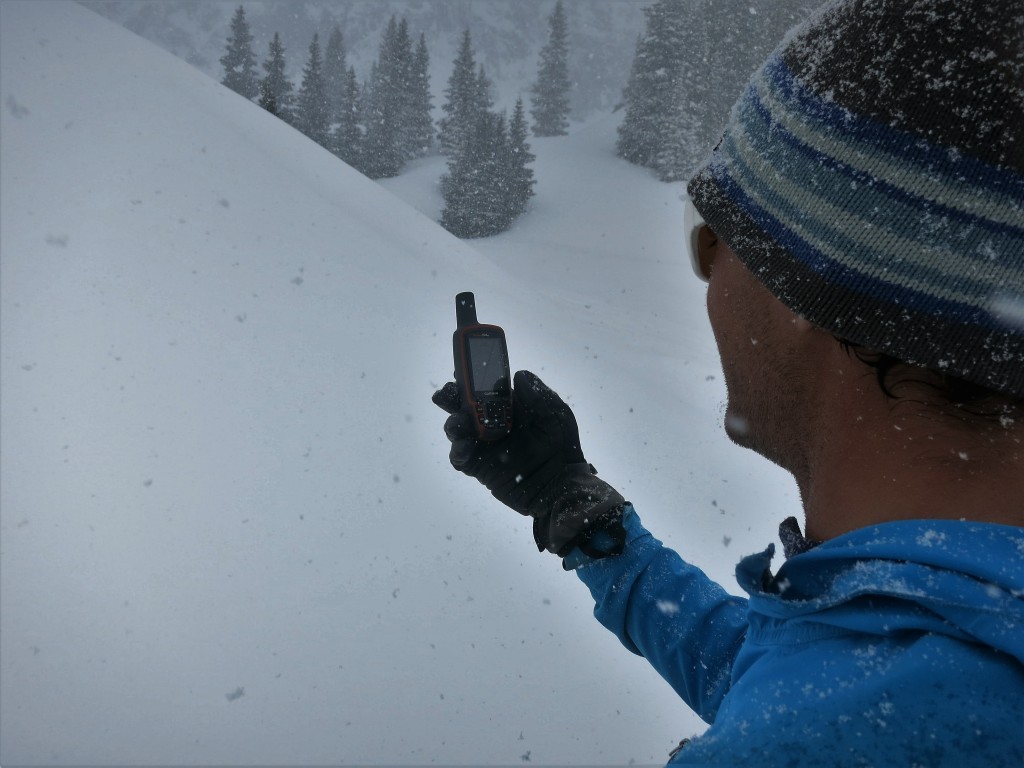
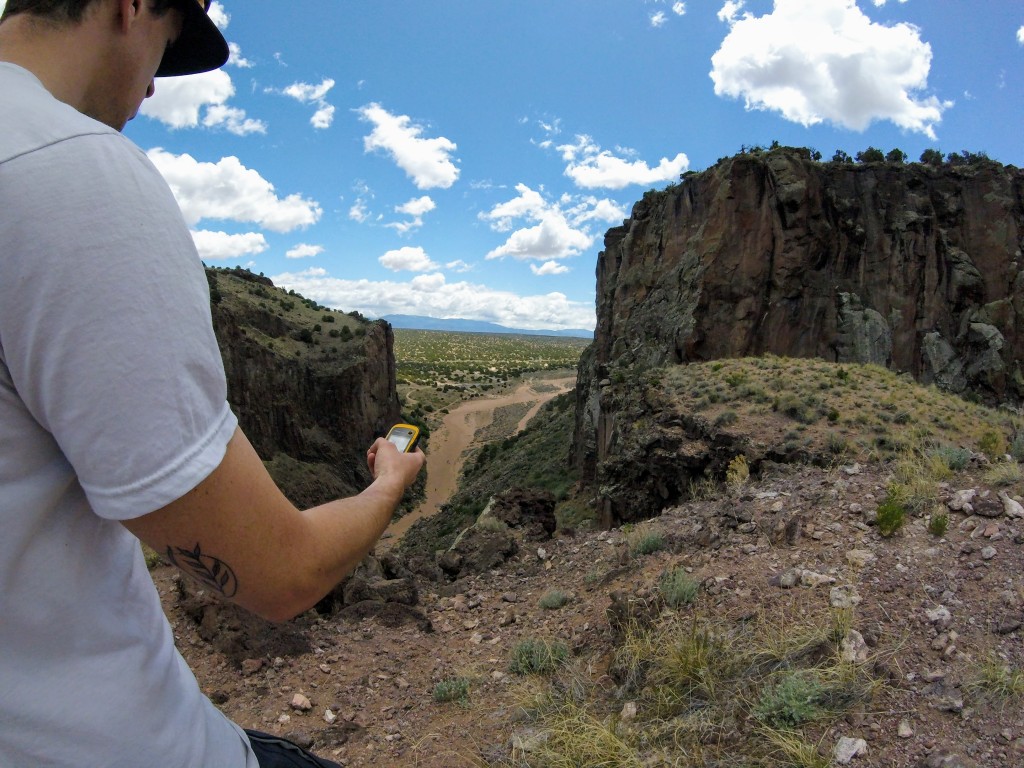
These lead testers — plus scores of friends and partners — took to testing these GPS units in real-world situations. From mountaineering in Alaska to ski touring in the San Juan Mountains of Colorado to winding through the canyon country of the Southwest, our testers used these GPS units in whiteouts, in slot canyons, and while temporarily stranded by flash floods to bring you insight into each device, pulled from real adventure epics. Our rigorous assessment combined time in the field with objective testing, where we evaluated everything from reception accuracy to memory capability to size and weight. We compiled research, closely examined features and ease of use, and noted when some devices shone and others failed. We utilized the expertise of our science-minded, adventure-obsessed testing crew to provide the most accurate, objective reviews available on the internet.

Analysis and Test Results
We tested these handheld GPS devices over the years — hiking, skiing, mountaineering, canyoneering, kayaking, mountain biking, mapping plant populations, and more. We have marked and navigated to waypoints, compared map drawing speed, and tested the compasses of each unit against a trusty old, magnetic standby. We logged hundreds of miles on foot in Colorado, Washington, Utah, New Mexico, and Alaska. More than a dozen people — who range from GPS experts to complete novices — used these units to provide diverse feedback and bring you a review of some of the best handheld GPS units on the market.
We rated our selection of handheld GPS units on six scoring metrics: reception, ease of use, display quality, speed, weight and size, and versatility. It is important to note that these are some of the best and most popular options available on the market; while scores may vary, the numbers are based on how well each device compared to the competition. Some of these qualities are undeniably more important than others, namely reception and ease of use. Without the accuracy of a satellite and the efficiency of a GPS, you might as well be using a map and compass.
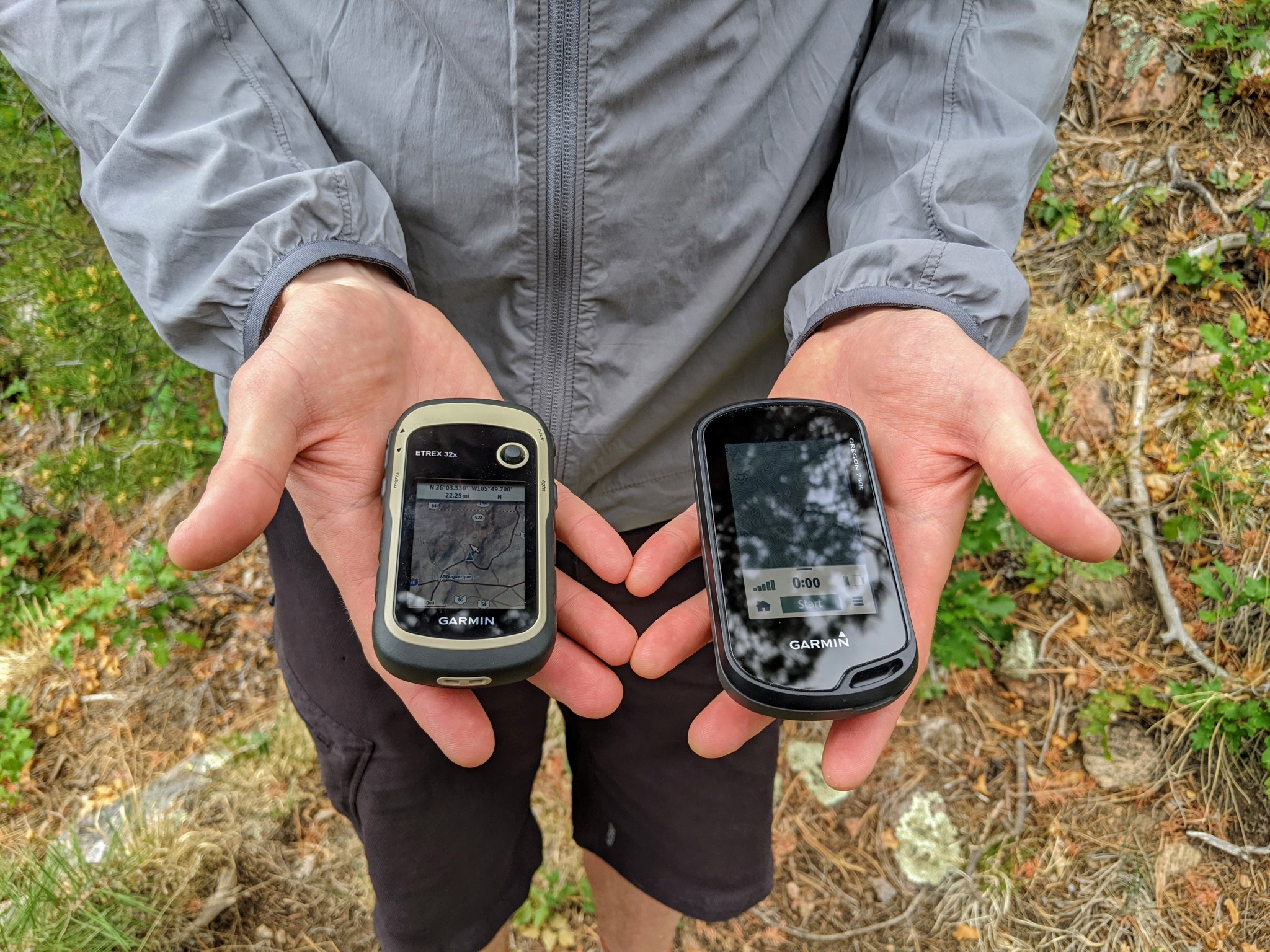
Depending on how and when you plan on using your GPS, a simple user interface like the eTrex 32x may actually be preferable to a touchscreen unit like the Oregon 750t (right.)
Credit: Jill Rice
Value
GPS stands for Global Positioning System. Often it's used to refer to devices — in this case, handheld — that can track and store timing and positional data. Though it may seem counterintuitive, they're often intended to be used with a traditional map and compass. They are designed to resist water, shock, thermal stress, and any other harsh conditions you'd typically run into out in the wilderness. High-performing devices come with extras like cameras, topo maps, better antennas, more memory, altimeters, or internal electronic compasses. Baseline models are lighter and simpler and can often boast better battery life. Before buying your next GPS, consider if you need one, what you intend to use it for, and how much you're willing to spend. It is important to consider your specific needs before purchasing, as these units often carry a hefty price tag.
The price of a handheld GPS tends to be tied directly to its performance, features, and amount of memory storage. The Garmin GPSMAP 66st has every feature you may ever need — with more memory than you possibly could ever need — but it's near the top of the price spectrum. Alternatively, our most price-point model, the Garmin eTrex 10, carries only the bare essentials for tracking.
No GPS unit can substitute for basic orienteering skills, situational awareness, and common sense. They tell you where you are and where you've gone. In the unlikely event that you need to call for help, a top-rated satellite messenger is what you want. This review's only unit that functions as a GPS and a PLB is the inReach Explorer+.
Alternatively, most people have smartphones with GPS capabilities and inexpensive apps that offer topo maps and tracking functions. Although this combination isn't as accurate as a real GPS unit, they are good enough for many folks.
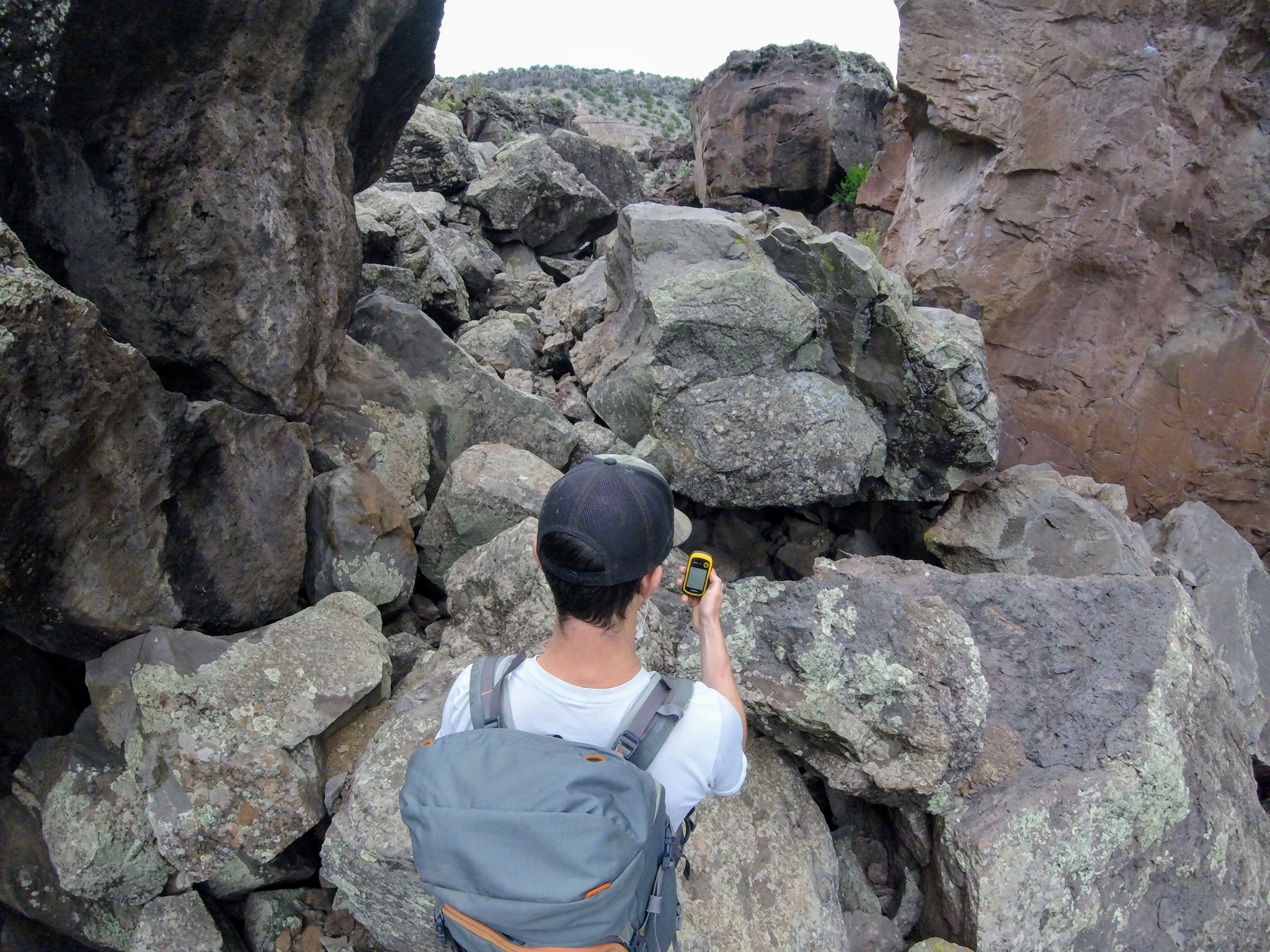
For navigating rough canyon country, a GPS might afford better tracking capability than a smartphone GPS that could easily lose service, if it even has it in the first place.
Credit: Jill Rice
So, who needs a handheld GPS? Those who love to hike off the main trail, serial bushwhackers, backcountry skiers, and climbers who frequently descend on unfamiliar and poorly marked trails. Adventurers of this breed will benefit the most from a GPS, which can pinpoint their exact location and allow them to re-orient themselves on a map and find the way home. A GPS is also helpful in bad weather conditions (heavy rain, snow, or fog) or when hiking on a dark, cloudy, or moonless night. It's also good when traveling over snow-covered terrain when the ordinary trail is buried, and the tracks of those who came before you may be unreliable (they might be just as lost as you — believe us, we've been there).
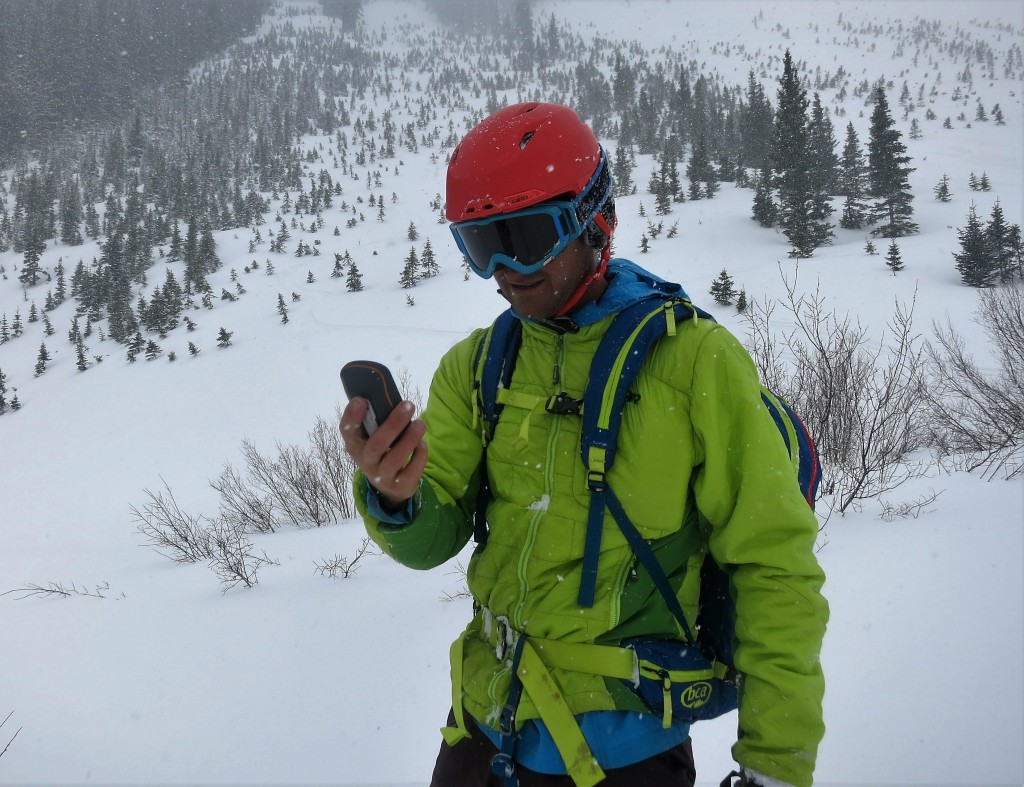
A lot of our current testing took place in the San Juan Mountains of Colorado. Here we see lots of steep, remote terrain that could obstruct satellite signals. We also got ourselves into all sorts of weather conditions.
Credit: Dan Zokaties
Can a GPS replace a map and compass?
No. We strongly recommend carrying a map and compass when in unfamiliar terrain. Maps don't run out of batteries or break if accidentally dropped off a cliff. They serve as a fail-safe backup to any electronic device.
No. We strongly recommend carrying a map and compass when in unfamiliar terrain. Maps don't run out of batteries or break if accidentally dropped off a cliff. They serve as a fail-safe backup to any electronic device.
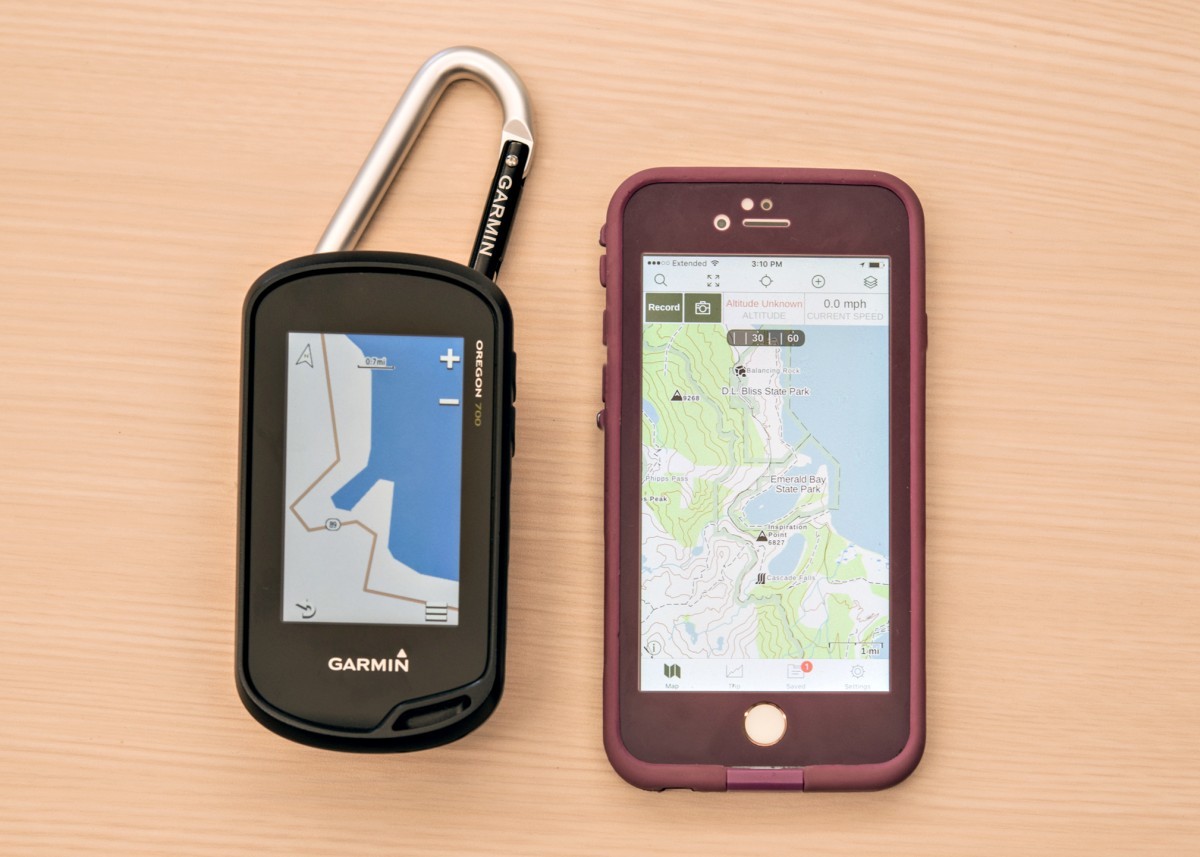
The Gaia base map is more compelling than that of the Oregon 700. You can get better base maps for the GPS, though. Even with the life proof case, we'd rather drop the GPS unit. It can also hold a charge for 16 hours at a time and get new AAs in the field.
Credit: Jenna Ammerman
What about the GPS on my smartphone?
The reception of your smartphone may not prove reliable in the backcountry. Smartphones rely on the combination of a cheap GPS device and triangulation between cell towers (and even WiFi) to dial in your location. Yet, many of the best hikes are in the mountains, deserts, or pristine backcountry areas with no reliable cell support, so your smartphone's GPS sensors might not cut the mustard.
The reception of your smartphone may not prove reliable in the backcountry. Smartphones rely on the combination of a cheap GPS device and triangulation between cell towers (and even WiFi) to dial in your location. Yet, many of the best hikes are in the mountains, deserts, or pristine backcountry areas with no reliable cell support, so your smartphone's GPS sensors might not cut the mustard.

Make sure you can make it back to that perfect alpine lake the next time. The ability to accurately mark waypoints is a huge plus for GPS units when your adventures take you beyond cell-service.
Credit: Jill Rice
Still, in situations where they do work, smartphone apps like Gaia, Avenza, or Topo Maps are great and can quickly identify your location on established trails before resuming map navigation. Smartphone GPS works best in a region where a cell signal is available, but it may become unreliable when you enter the backcountry. Don't forget to download maps before leaving cell or WiFi signals behind. A touchscreen model with automatic routing — like the Garmin Montana 700 — is a great option that can double as a driving GPS and for off-road travel.
Related: How to Load a GPS File on Your Phone in GPX Format
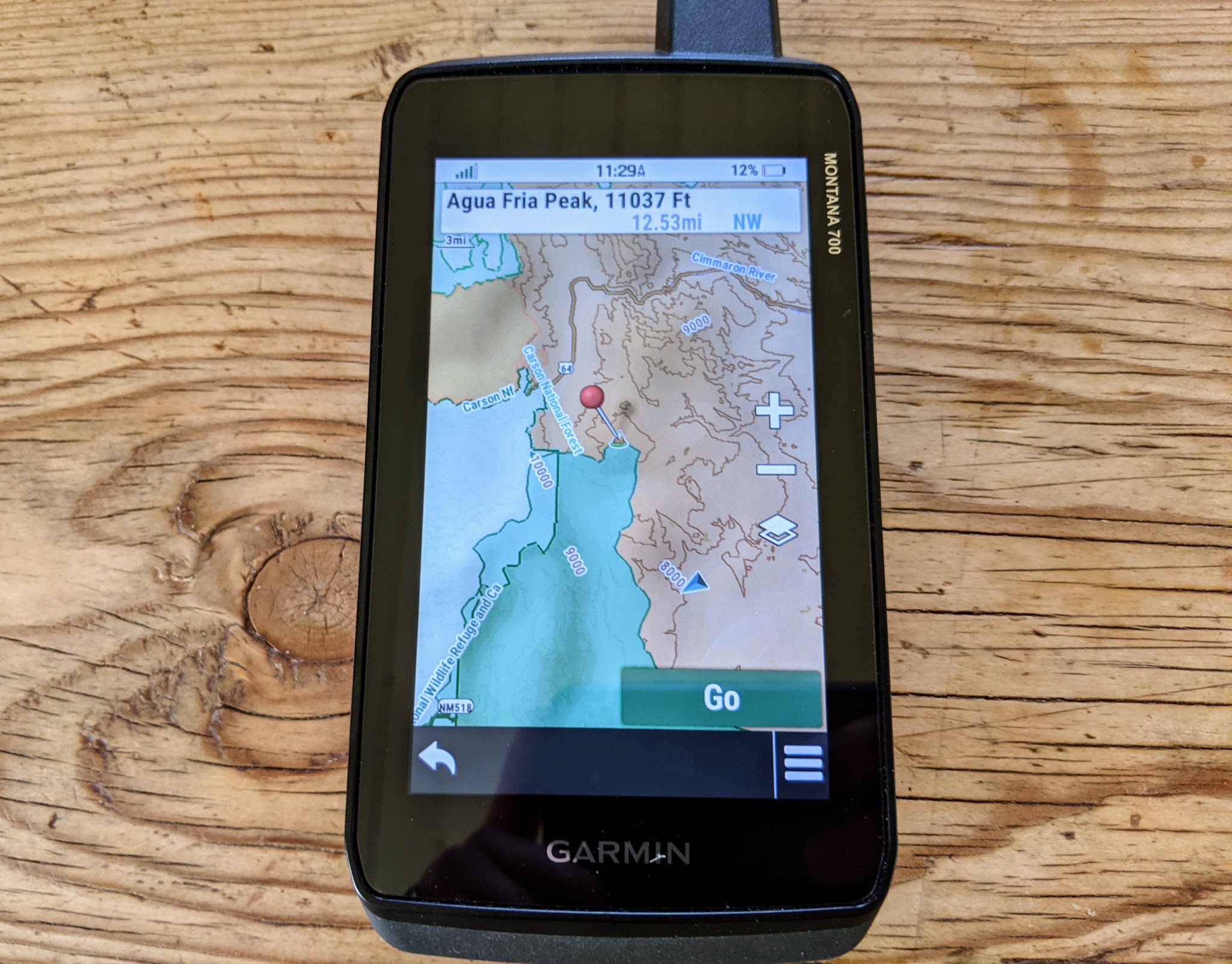
Don't worry if you aren't interested in uploading maps to your new GPS; many of Garmin's units come preloaded with adequate basemaps for your region, and more advanced units like the Montana 700 even include overlays to enhance navigation.
Credit: Jill Rice
In contrast to smartphones, handheld GPS units are burlier, with much better GPS satellite reception, more powerful navigation features, and supply better battery life in cold climates. A few questions will help narrow your search for the perfect handheld. After you figure that out, you can start thinking about all the bells and whistles — i.e., features.
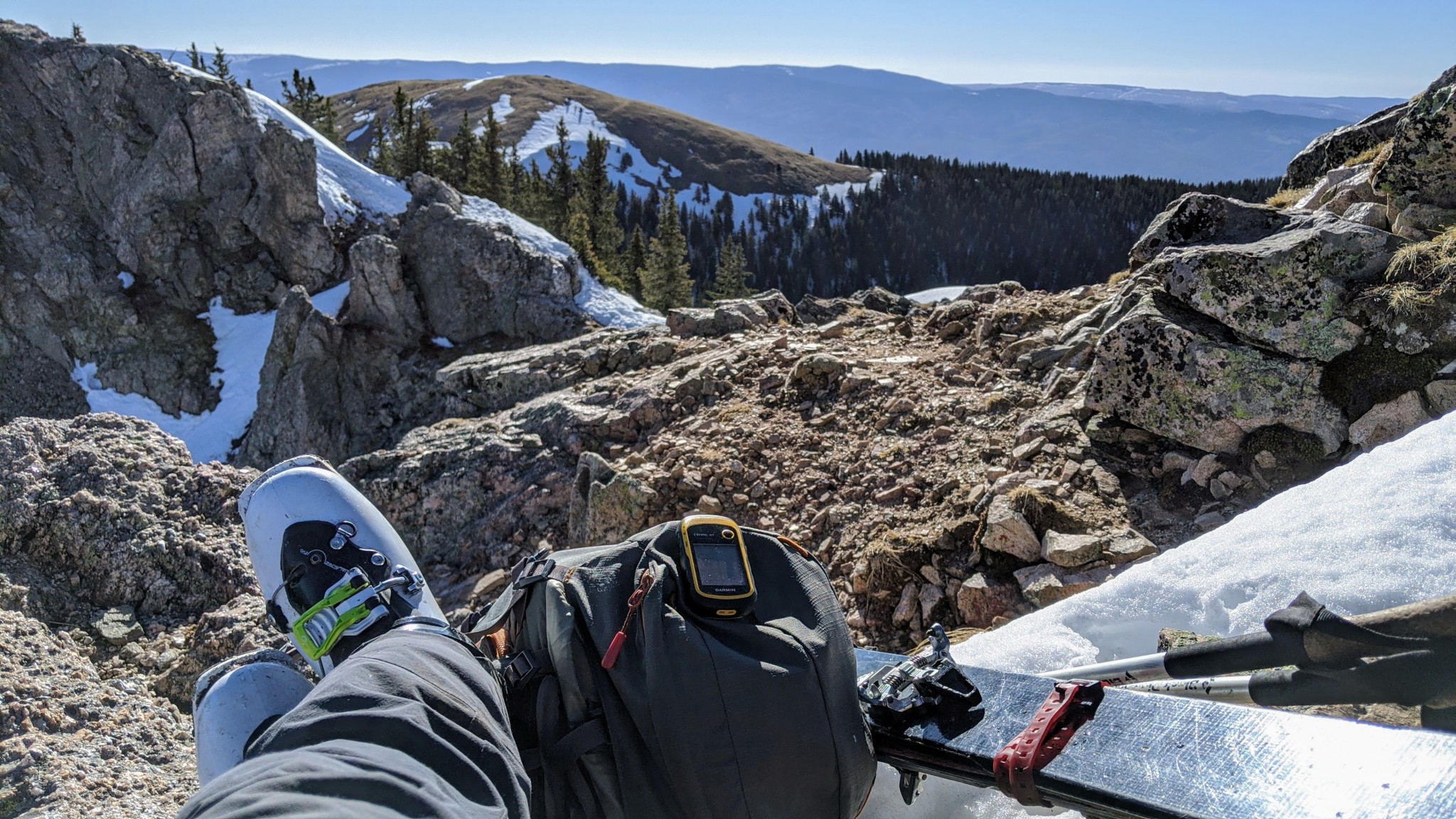
Out hunting springtime snow? For rugged missions like ski touring and mountaineering, a durable, highly water-resistant portable GPS may be preferable to a smartphone.
Credit: Aaron Rice
Reception
Most modern GPS units are incredibly accurate and can pinpoint the device's location to a resolution of 10 meters. According to Garmin, units that use the Wide Area Augmentation System (WAAS) can be accurate to 3 meters or less. All the devices we tested use WAAS. To get even more accuracy, you can buy a differential beacon receiver and antenna to utilize a distance correcting Differential GPS (DGPS). Modern smartphones, in contrast, offer GPS accuracy of around 4.9 meters, according to GPS.gov.
Tall buildings, canyons, and trees can interrupt satellite signals, slowing them down and reducing your device's accuracy. Clouds and weather, however, shouldn't affect reception. To get the best signal with the satellites, carrying your device outside your pack or in a light waterproof layer is best.
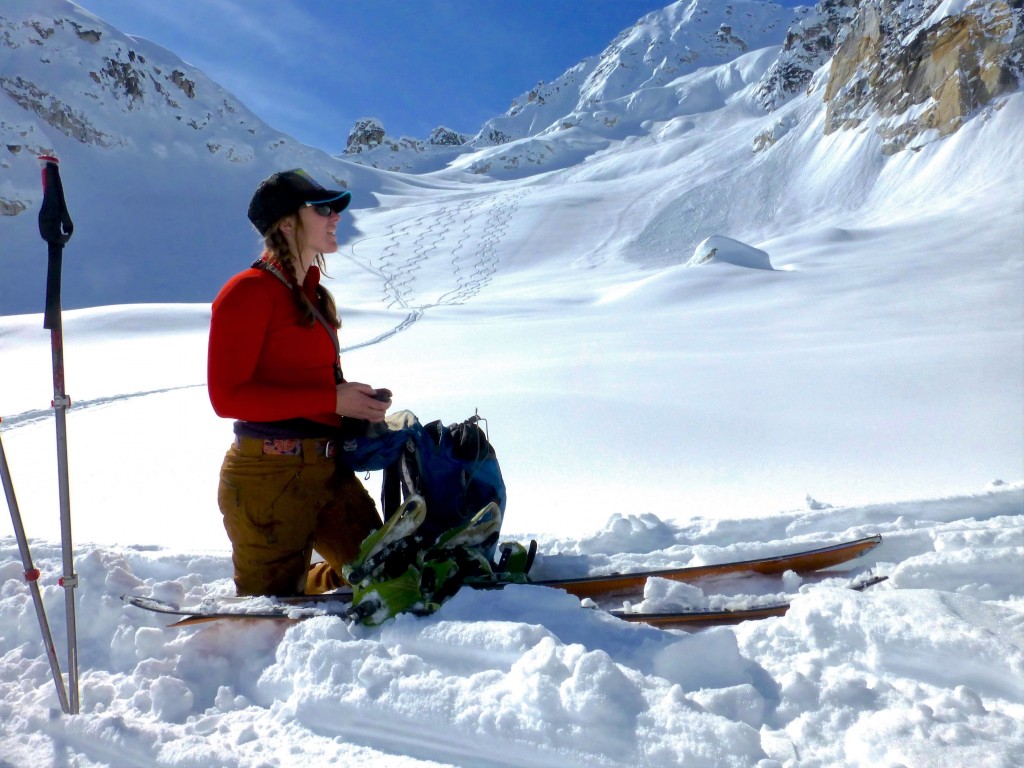
You're unlikely to be able to download a new map here. Gotta plan ahead.
Credit: Jared Vilhauer
We found that the highest performing — but unfortunately, also often the most expensive — models tend to achieve the best satellite reception. Units like the GPSMAP 66st include quad-helix antennae, which are quite sensitive even in dense cover. Electronic compasses — as opposed to a mechanical, differential compass — also improve accuracy when on the move and are included in expensive units like the Montana 700, but surprisingly in more affordable units like the eTrex 32x. Even without these additions, however, all of the Garmin units we tested provided quality reception. All of the units we tested carry receivers that accept both GPS and GLONASS satellites, so even price-point models — like the eTrex 10 — offer nearly top-notch reception in almost every situation.
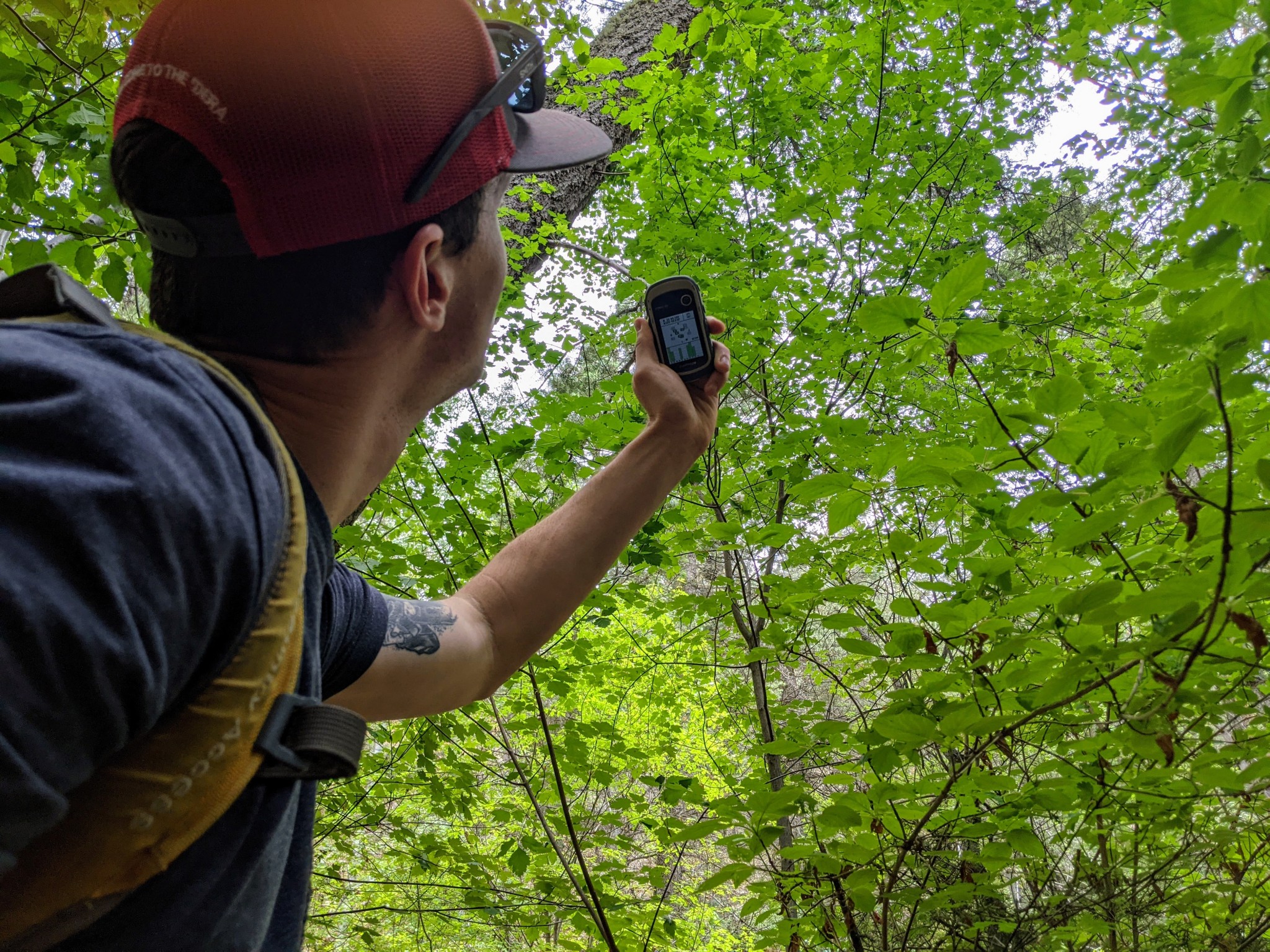
Almost every GPS unit we tested is able to gain a quality satellite signal, even under a dense forest canopy.
Credit: Jill Rice
Ease of Use
GPS units usually come with a rudimentary basic base map that distinguishes roads but not much else. As we mentioned above, you can buy a GPS unit preloaded with topo maps or buy them separately after the fact. You can also free download maps and satellite imagery and transfer them to your unit. The United States Geological Survey offers a wealth of free spatial data. Most states in the US also have a website that distributes spatial data. If you want the best maps, often for free, spend some time tinkering with this data. If you want more convenient, straightforward map access, you can get them for around a hundred bucks from your GPS manufacturer.
The US National Agricultural Imagery Program (NAIP) shoots high-quality, free satellite imagery (aerial photos stitched together) for the entire continental United States. You can also buy satellite imagery. Often this is unnecessary because you can plan your routes in Google Earth and then send files to your mapping software and device. Satellite imagery is hard to see on most GPS units and is rarely necessary for the backcountry. Like the GPSMAP 66st, some units come with a free subscription to Garmin's database of Birdseye satellite imagery that can be downloaded on WiFi.
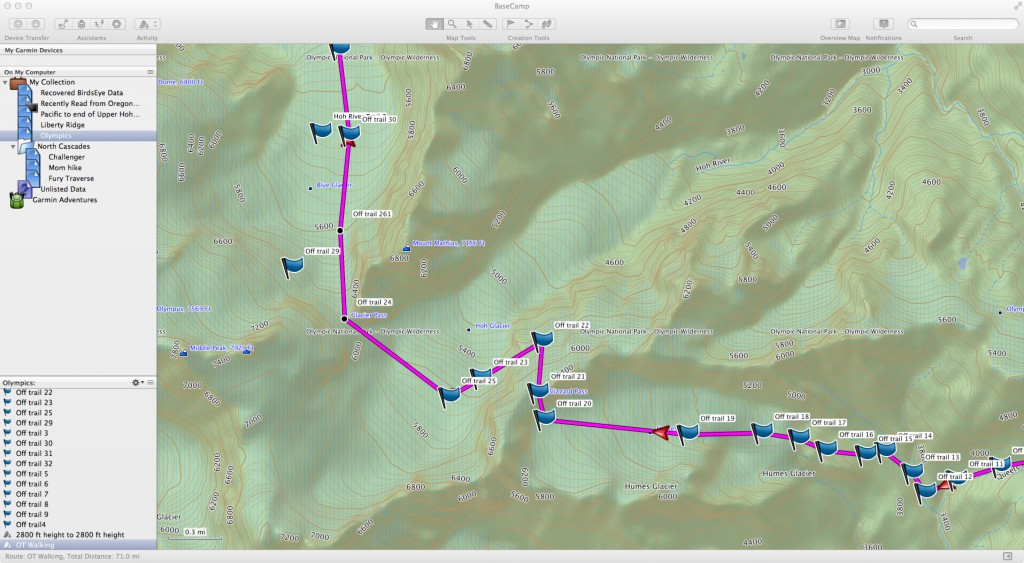
Garmin's Basecamp is the best free software that comes with a GPS. It is useful for trip planning because you can draw potential routes and calculate elevation gain and loss.
Credit: Max Neale
Each GPS manufacturer offers software designed to organize, analyze, and display the waypoints and tracks you collect with your GPS. Garmin's Basecamp is our favorite. It's simple, intuitive, cross-platform, and provides everything a basic GPS user needs. For example, you can easily see waypoints or tracks on Google Earth. It is also an essential feature on really basic models like the eTrex 10, which due to its lack of mapping capability, would otherwise be rendered useless.
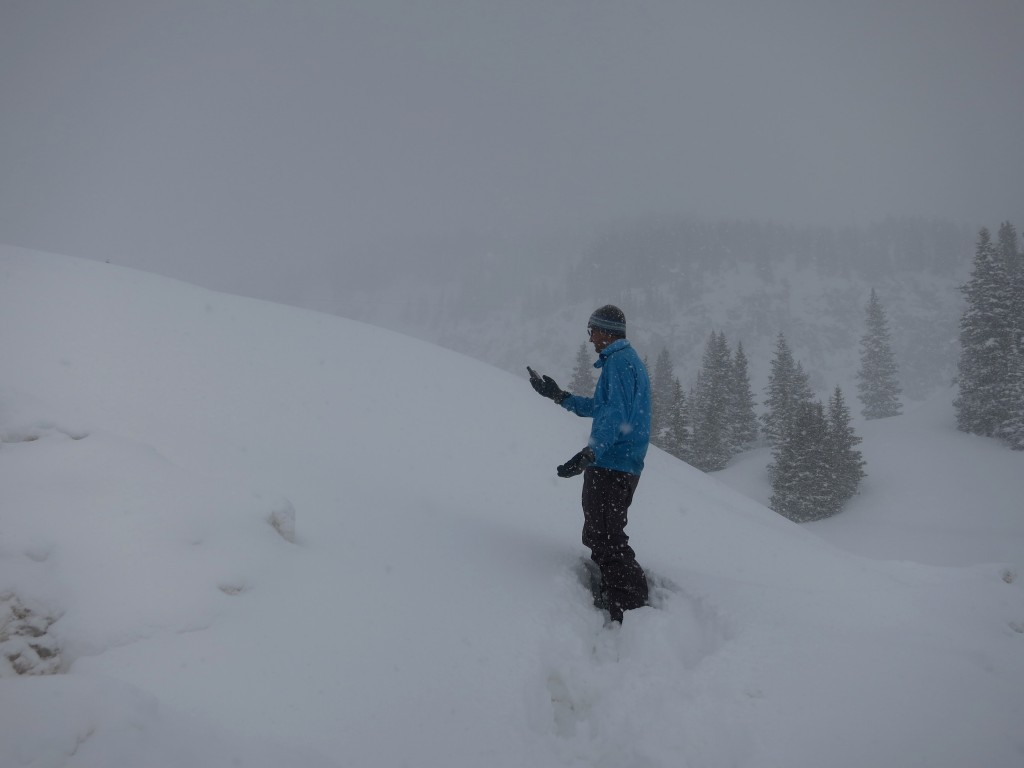
Stuck in a whiteout and not sure where to go? Navigate back to way points you've taken, see trip data, log tracks, and stay safe.
Credit: Dan Zokaites
Display Quality
Do you want a compact version like an eTrex 32x, or are you willing to haul extra weight — like the Montana 700 — for perks like a larger screen? Is a big GPS screen more important because you would like to quickly see information at a glance while driving? Or are you willing to squint for a more portable unit? Since all of the units in this review are handheld, none are huge — but there is a difference in screen size and display quality between them.
The Montana 700, with a 5-inch diagonal screen, offers the largest screen and the highest quality resolution. Its smartphone-like touchscreen makes navigation easy, particularly in a car. The Oregon 750t and GPSMAP 66st both have a 3.75 square-inch screen — nearly half the size — but more than adequate for a handheld unit. However, the major difference is that the Oregon 750t is a touchscreen, while the GPSMAP 66st is button-controlled.
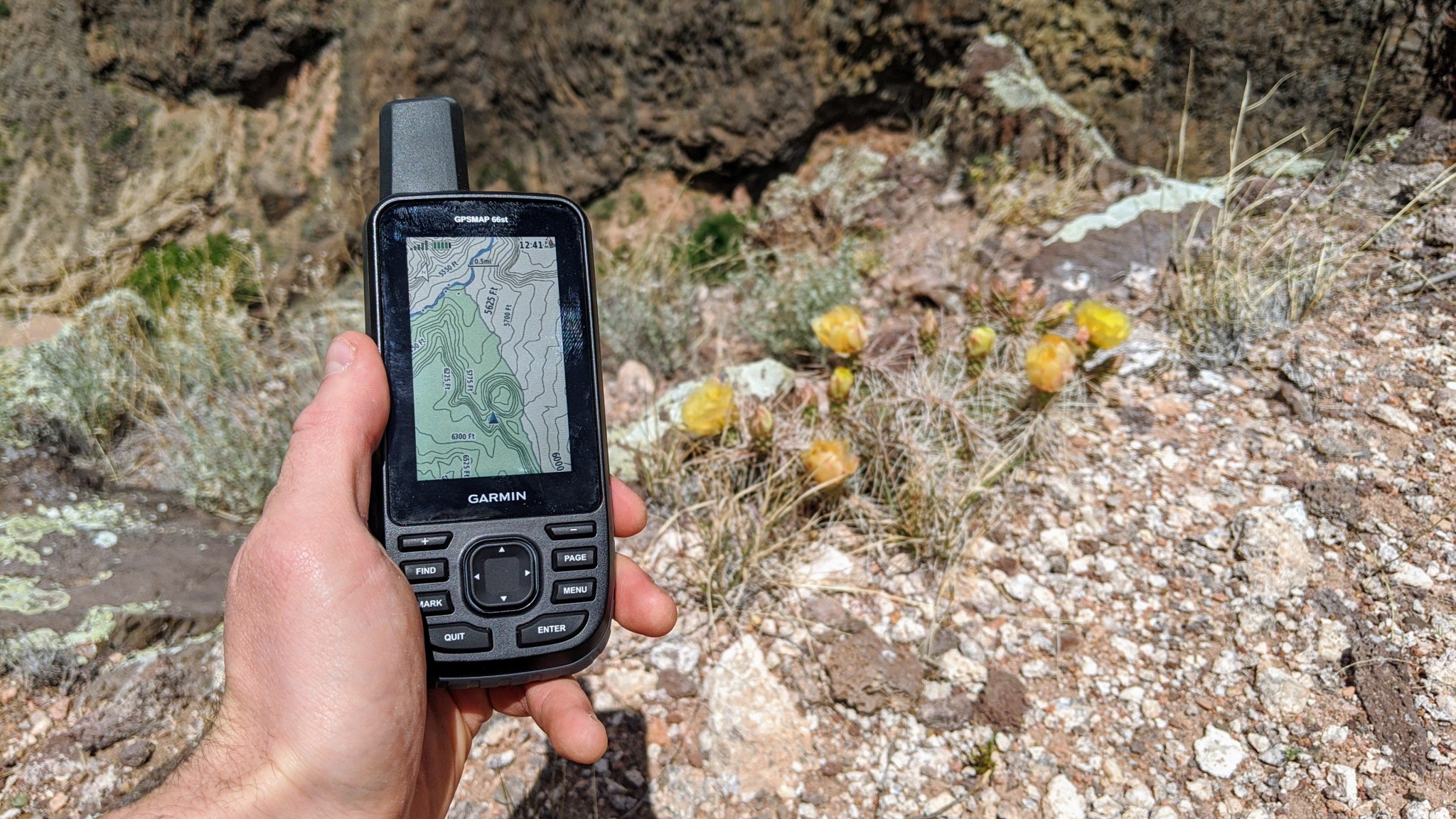
This unit offers a powerful color screen, that is easily readable even in the brightest sunlight of the desert southwest.
Credit: Jill Rice
So then, buttons or touchscreen? Touchscreens have a quicker response time than button units. However, they eat up battery life faster, can potentially freeze in cold climates, and aren't the most compatible with thick gloves. We also found that most touchscreen GPS devices we tested weren't as advanced as smartphones. Button devices work with thick gloves, have better battery life, and are more reliable in extreme temperatures. The downside is they operate slower, and typing waypoints is more time-consuming. What it comes down to is your personal preference. Do you prefer a more modern unit that operates quickly? Or do you value reliability above all else?
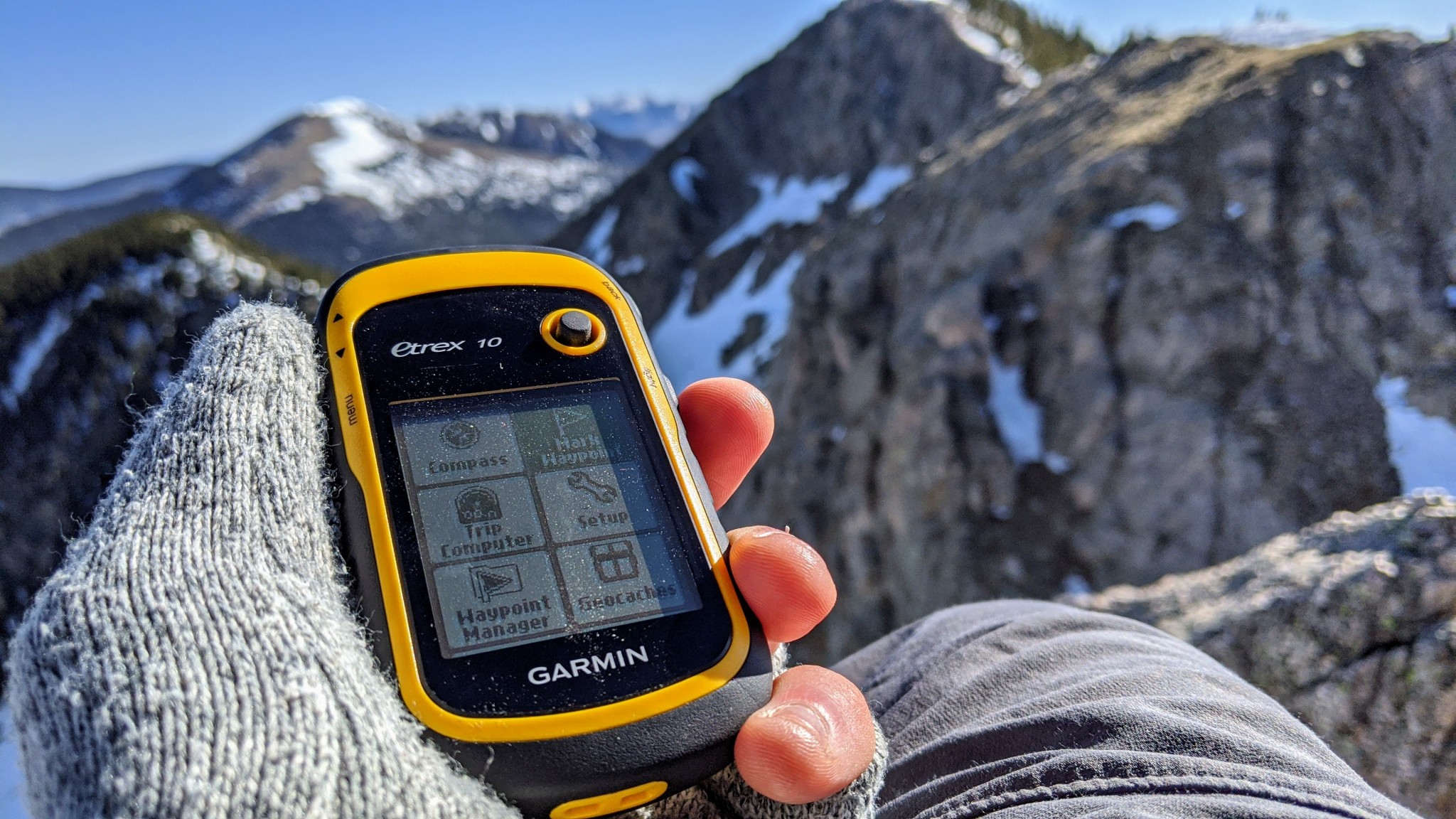
Small, portable, and plenty capable as a back-up just in case you get lost, the eTrex 10 is perfect for alpine climbing.
Credit: Aaron Rice
Speed
GPS units communicate with satellites orbiting the earth designed to read and triangulate signals sent from the unit. The Department of Defense manages the GPS network in the United States, a series of 33 satellites that transmit both positional and timing data. When a GPS unit contacts at least four satellites, it can pinpoint your position accurately, although terrain and conditions can affect this. Some of the units we tested can also interface with other countries' satellites, including the 26 satellites of the Russian GLONASS system or 26 more from the European Union's Galileo network. The more satellites, the faster and more accurately you can identify your position.
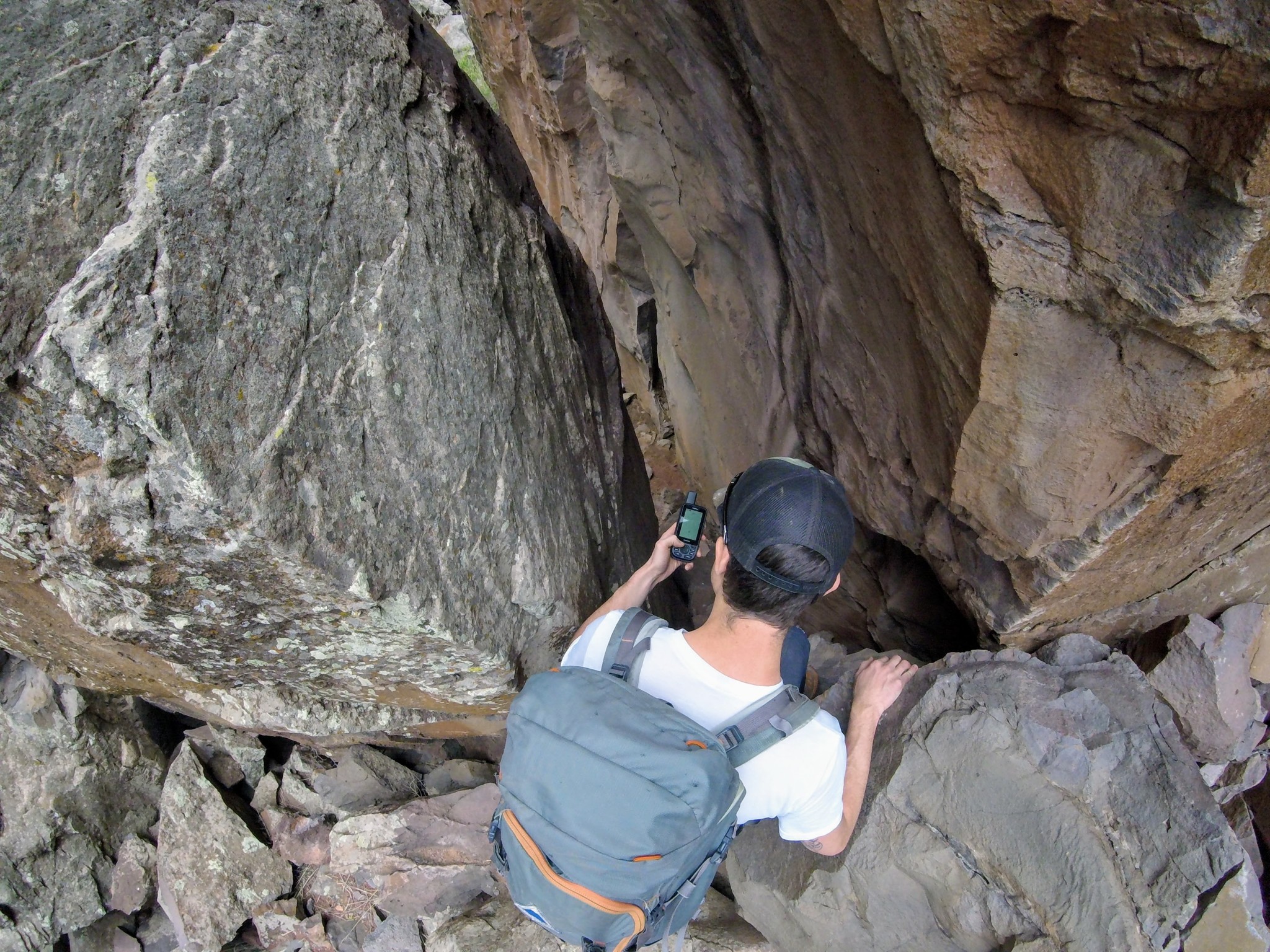
Navigating narrow slot canyons really tested the capability of even our highest performing GPS units.
Credit: Jill Rice
All handhelds use the WAAS (Wide Area Augmentation System) to increase accuracy. Satellites send signals to WAAS master stations on the ground. This message is relayed to compatible receivers (like GPS units) to provide a much more accurate location estimate. GPS units that use GLONASS, GPS, Galileo, and WAAS will offer the best reception.
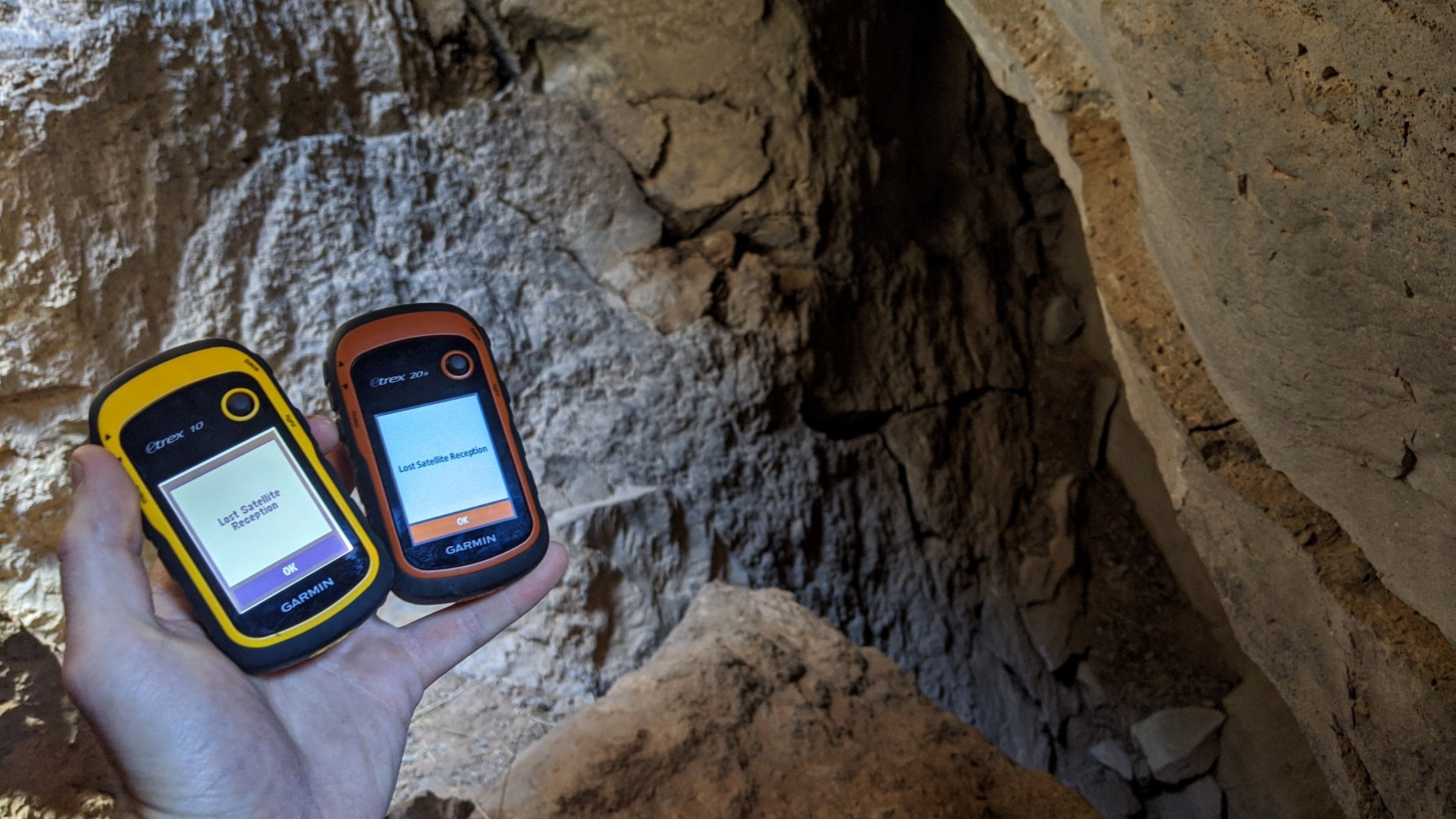
About the only place we completely lost reception was when we experimented to see if it was possible to navigate via GPS underground. Here we are at the mouth of a local cave system.
Credit: Aaron Rice
The fastest and most accurate unit we tested was the Garmin GPSMAP 66st, as that is the only unit that could access all three of those satellite networks and improve its signal with WAAS. However, many of the other units we tested achieved accuracy within 10 feet very quickly. Although the Montana 700 and inReach Explorer+ were nearly as speedy as the 66st, even basic units like the eTrex 32x impressed us with how quickly they could lock onto a signal after powering on.
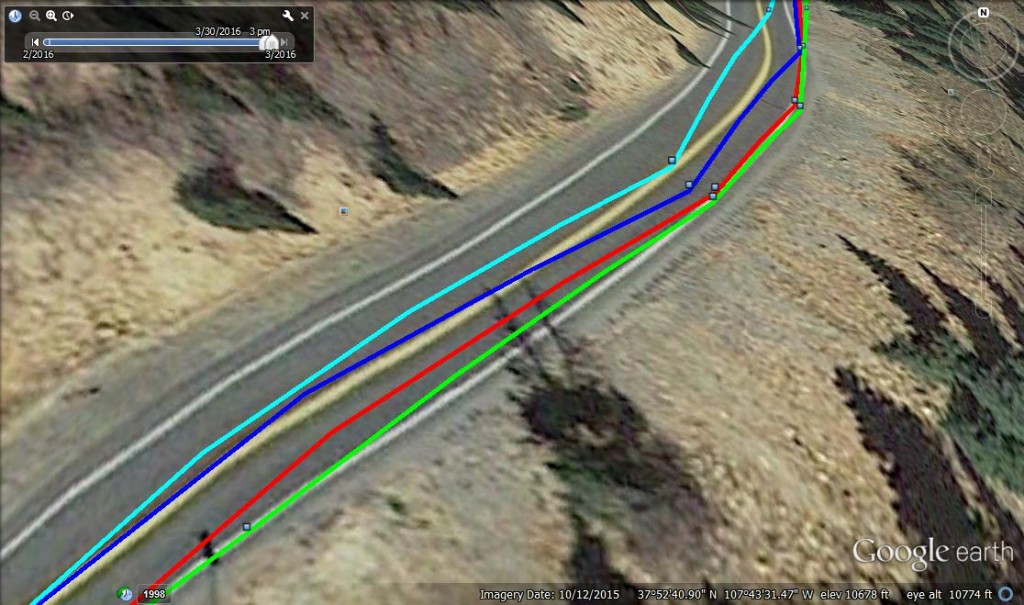
Here we see a comparison of tracks while driving. Light blue = Garmin eTrex 20x, dark blue = Garmin Oregon 600, Red = Garmin GPSMAP 64s, Green = Garmin Montana 680. The Montana was the most accurate in this test.
Credit: Amber King
Weight and Size
We tested handheld GPS units. These units are capable of marking waypoints, tracking your route, making notes, geocaching, pulling altitude profiles, and much more. But they are also small enough to wear around your neck or stash in your backpack. Despite its two-way communication capability, the Garmin inReach Explorer+is also very portable. But the more features you add to a portable GPS unit, the larger and heavier they become. Handheld devices are popular for backcountry navigation, particularly because they are so portable.
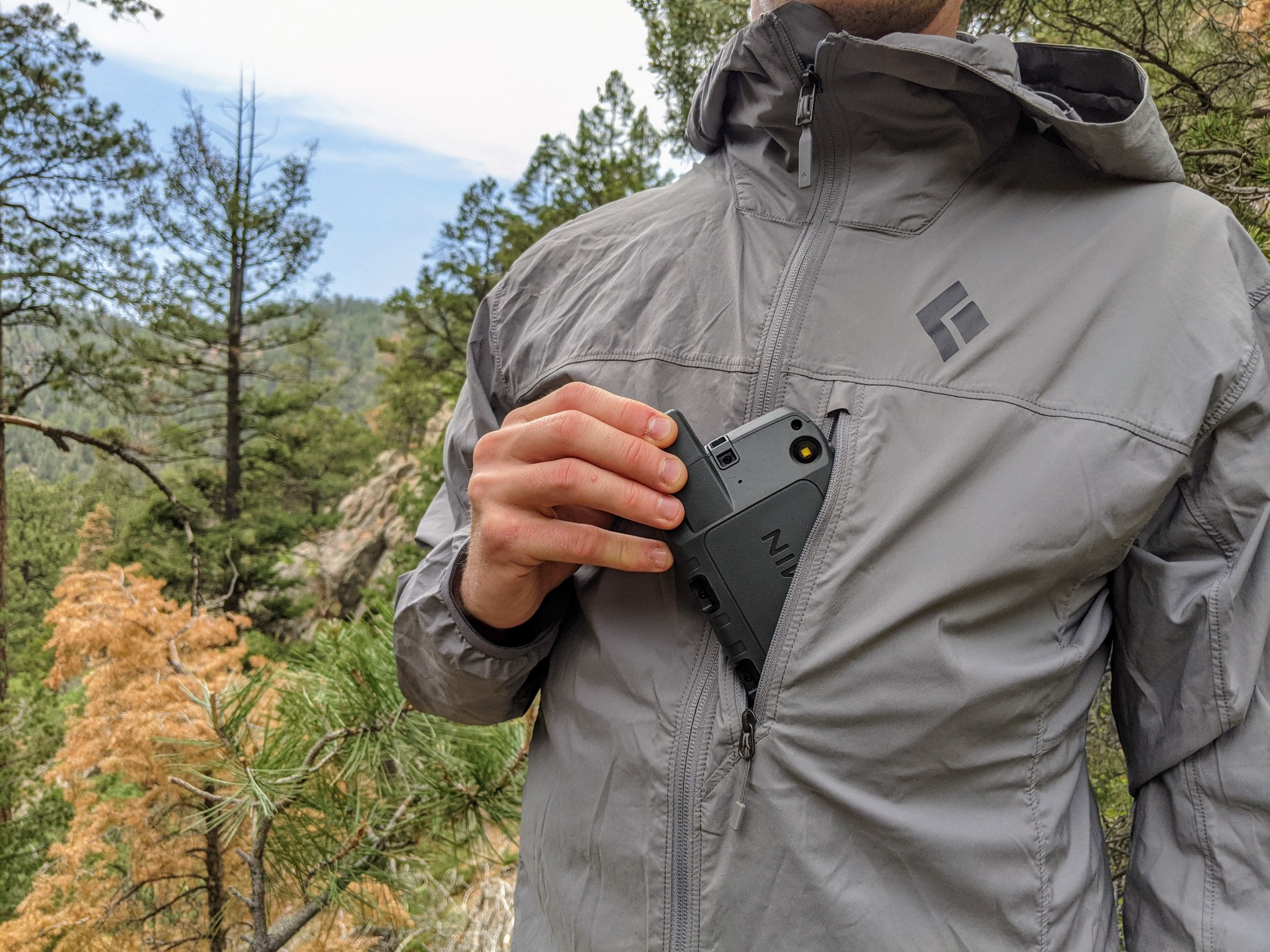
Even the Montana 700, which is the bulkiest and heaviest unit in this review, is really not much larger than your average smartphone.
Credit: Jill Rice
However, not all units are created equally regarding portability, so it is important to consider whether you'll carry your GPS in your pocket or plan to stash it in a backpack. The Montana 700 is by far the largest and heaviest unit in our review but still weighs just 14 ounces and is only slightly bulkier than a modern smartphone. The eTrex line falls at the other end of the spectrum — both the eTrex 10 and more capable eTrex 32x are small enough to fit into a pant's pocket.

All portable GPS units are small enough to comfortably carry, making trail navigation that much easier.
Credit: Jill Rice
Just as a point of comparison, there are also a variety of GPS Watches that can log backcountry travel information. These are popular among trail runners, mountain guides, hikers, and backpackers. They are a great alternative to handheld units if you're looking to go light but have a much shorter battery life and a significantly smaller display. They may not offer the same capabilities as the handheld units featured here.
Versatility
Most units we reviewed are astonishingly versatile; sporting functions well outside navigation, ranging from flashlight to calculator to texting. We won't dive too deeply into every function of each model we tested but rather will discuss a few important ones.
Waypoints
You don't need that many waypoints to get you through a trip, even a pretty long one. Even 500 waypoints — the minimum number on the units we tested, on the inReach Explorer+ — is likely more than most people would need at one time. They're also very easy to save on a computer and then delete after you're back home. If you plan on holding on to waypoints from multiple trips, conducting detailed science surveys, or embarking on a mapping mission, aim high. The eTrex Touch 35 offers the best capability in the smallest package. But for many of these units, you can also boost your memory with a microSD card; only the inReach Explorer+ and eTrex 10 don't support extra external memory.
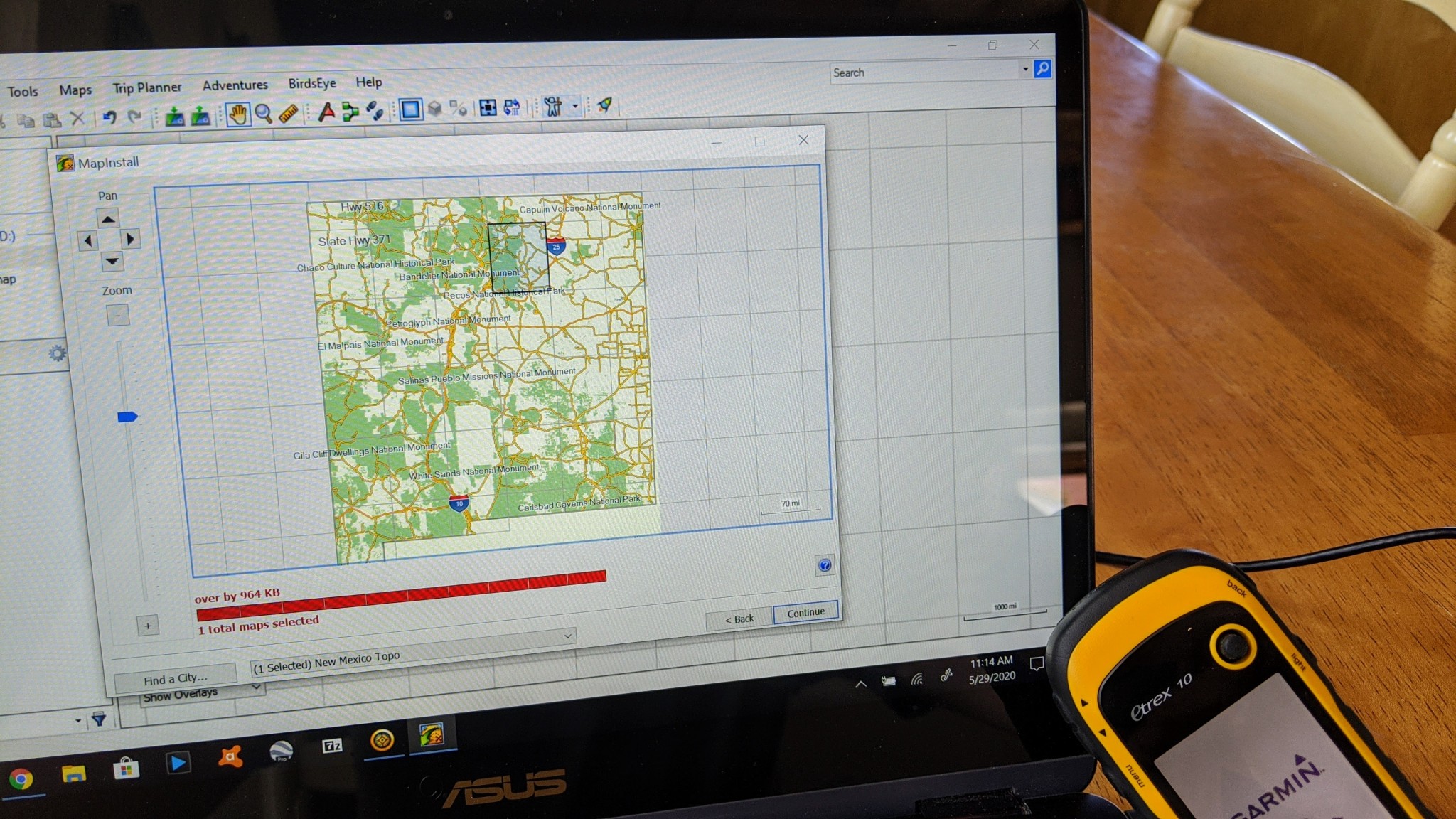
It was less than ideal being unable to load even a single topo quad onto the memory-limited eTrex 10.
Credit: Aaron Rice
Geocaching
Geocaching is a relatively new outdoor activity, essentially using a GPS unit or GPS software for a scavenger hunt, looking for hidden treasures all over the world. Most GPS units are set up for this somehow, and some of the ones we tested have preloaded geocaches so you can unpack and play. A huge draw for the geocaching crowd is that a modern GPS unit — with text display — allows them to go paperless. For easy entry to this worldwide phenomenon, the Garmin eTrex 10, thanks to its accuracy balanced with affordability.

However, we loved the simple eTrex 10 when it came to paperless geocaching -- since its basically wandering, it's a fun activity for any GPS enthusiast!
Credit: Aaron Rice
Electronic vs. Differential Compass
The cut-off point between basic units and more sophisticated ones is usually an electronic compass. This allows a unit to display your heading while held in place. In contrast, you have to be moving for a differential compass to work properly. For some, this is a great advantage — say, during a whiteout next to a cliff edge. Many mountain guides prefer an electronic compass because it makes navigating faster and easier. Only the eTrex 10 doesn't offer an electronic compass.
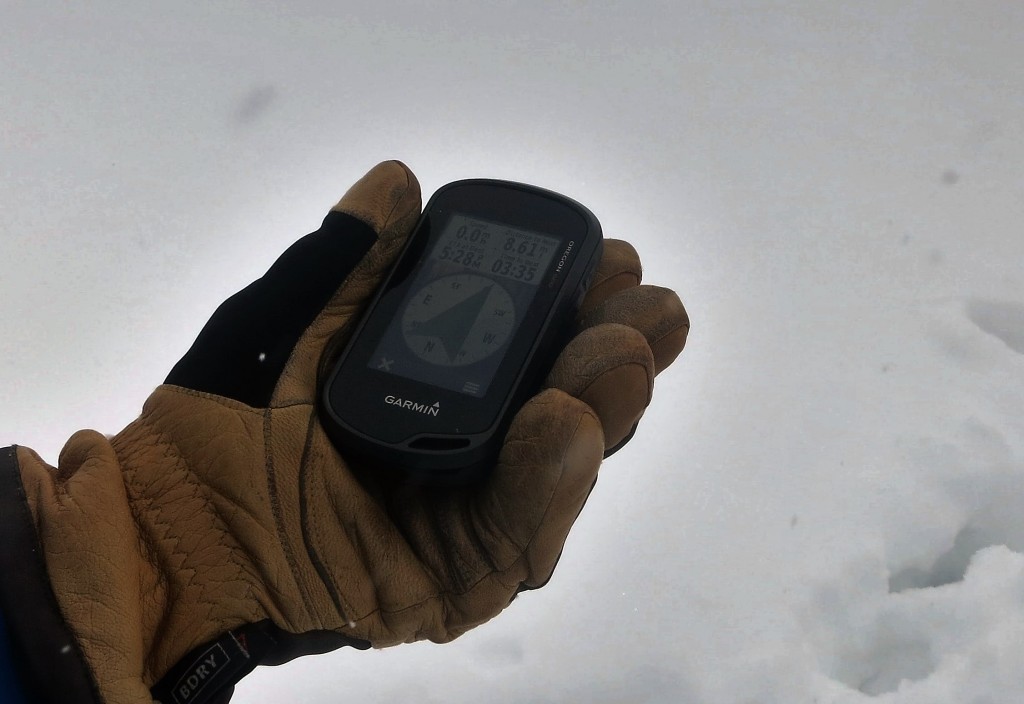
The electronic compass is quick to respond and doesn't require you to move to find direction.
Credit: Dan Zokaites
Barometric Altimeter
Another feature that separates high-performing devices from base models is a barometric altimeter, which uses a small sensor to detect air pressure and calculate altitude instead of relying on positional data alone. Barometric altimeters also allow you to track weather patterns and trends, which can be useful in the mountains when knowledge of a coming storm is crucial. Only the baseline-level eTrex 10 doesn't come with a barometric altimeter.
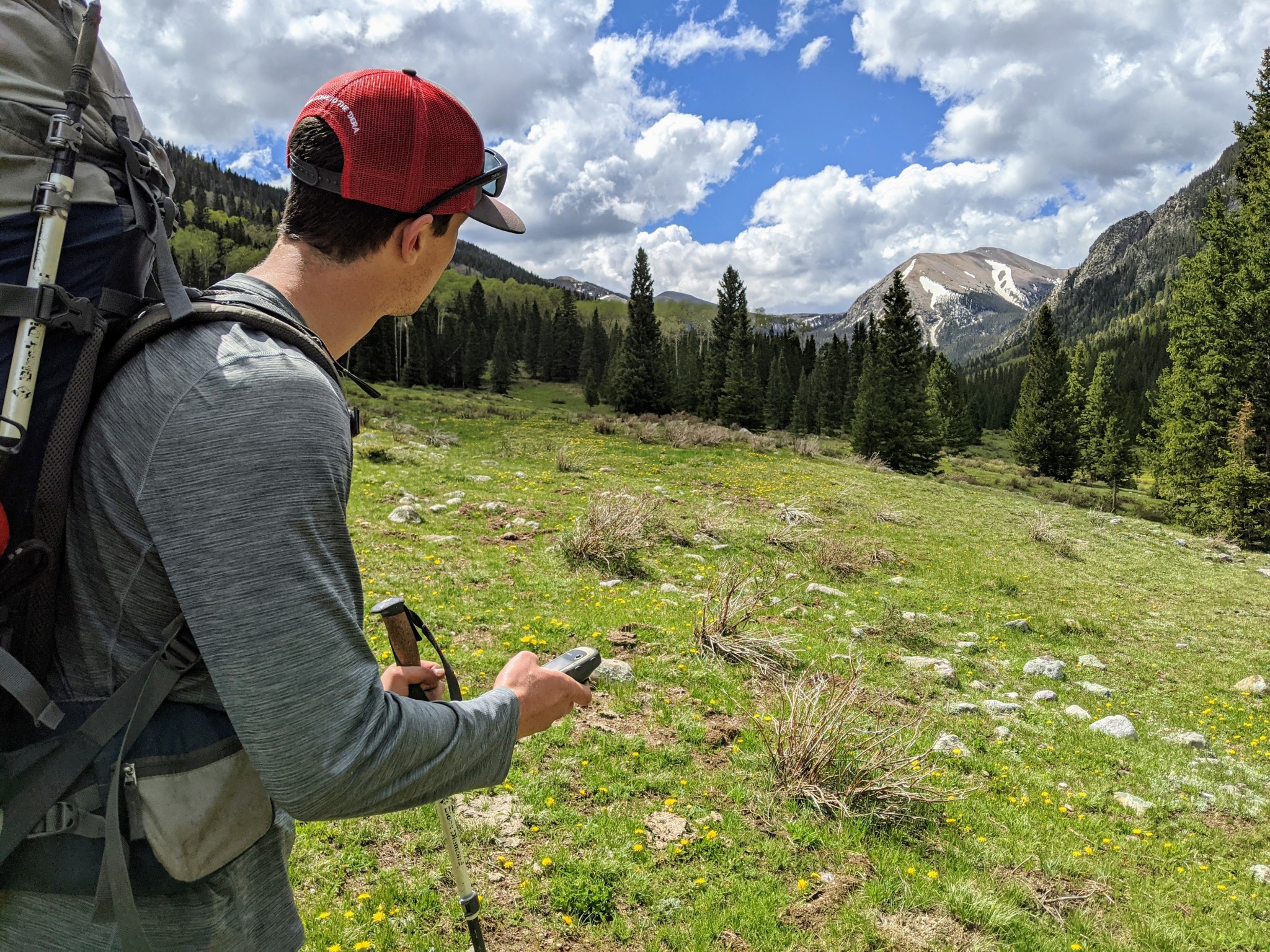
The eTrex 32x is the only price-point model that also includes a barometric altimeter, which comes in handy when accurately assessing large changes in topography.
Credit: Jill Rice
Media
A camera, microphone, and voice recorder can be nice add-ons to document adventures or field data fully. You can use these media options to mark a waypoint instead of typing one. We loved this option when looking back at our past adventures. Photos also help keep you on the trail when following a track. This is especially helpful for outdoor guides or scientific surveys. While many options boast a photo viewer, the Oregon 750t is the only GPS in our review to include a camera. But extras like that also come at the price of the added size.
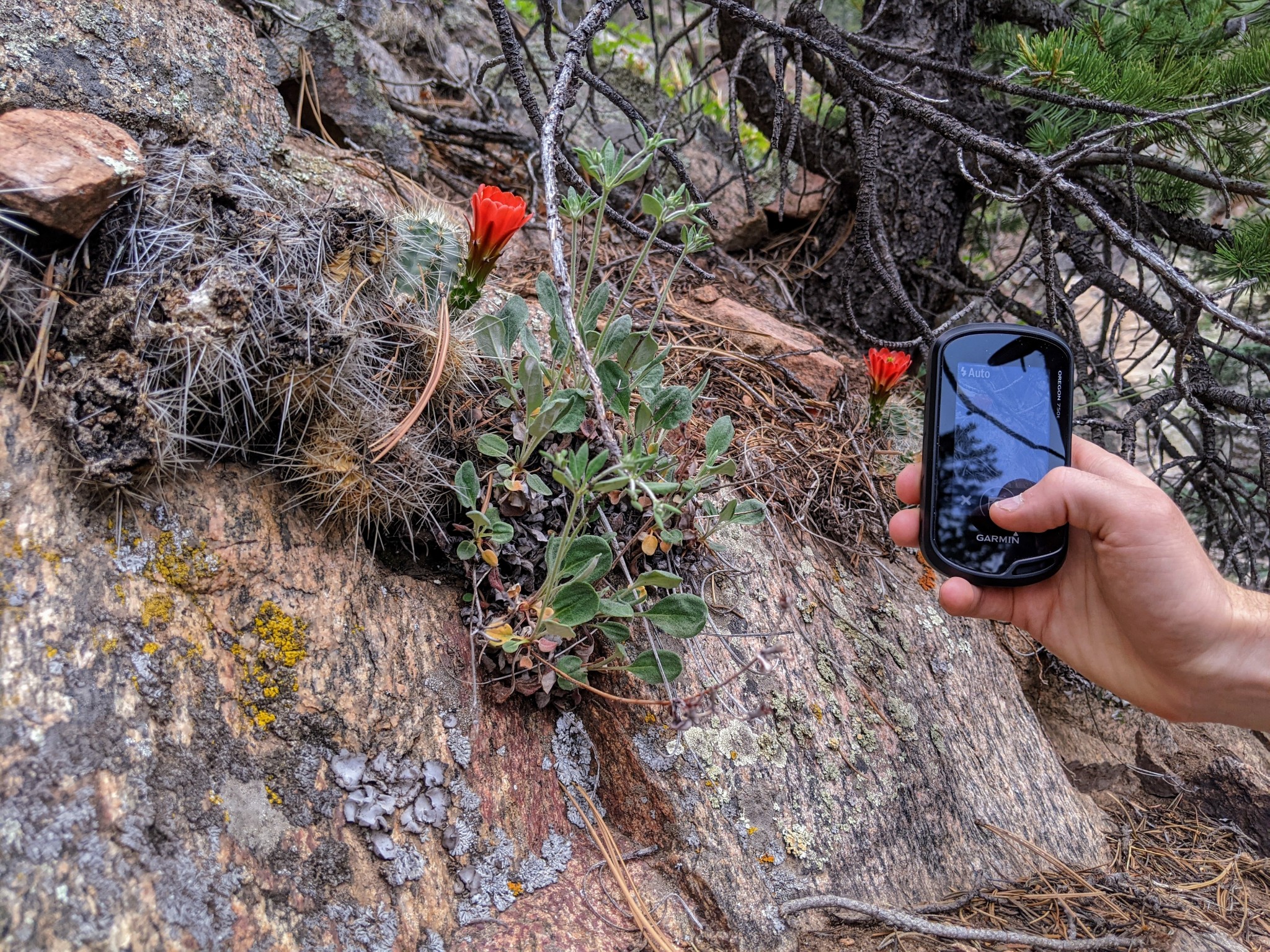
The Oregon 750t is the only unit in this review that includes a camera. Even though it is a simple lens with only 8MP quality, it serves the purpose of improving a geotag with a descriptive image.
Credit: Jill Rice
Wireless Capability and Smart Notifications
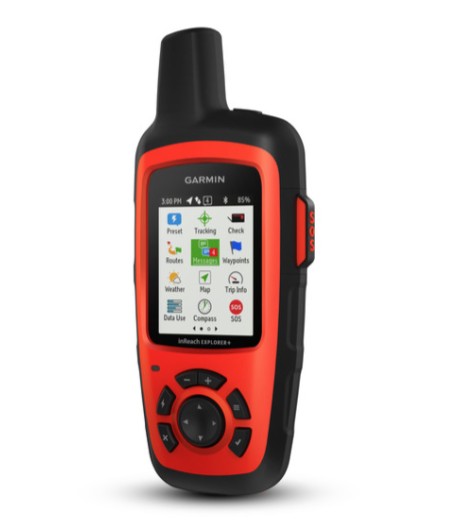
Garmin inReach Explorer®+
Credit: Garmin
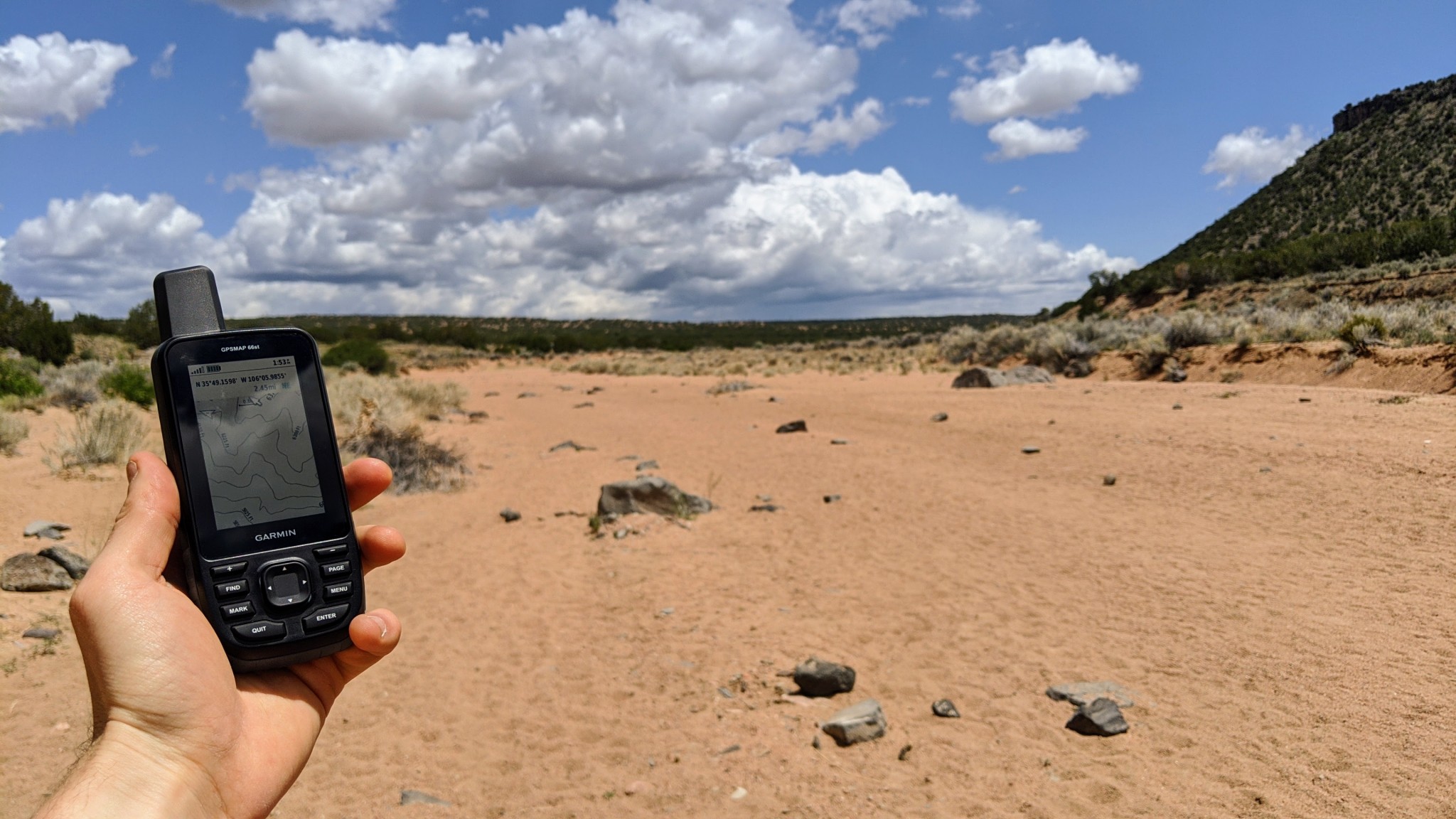
Wondering what's happening with the weather way over there? The GPSMAP 66st can send you notifications straight to your phone, so you won't have to pull it out of your pack each time you're wondering what's behind those building clouds.
Credit: Jill Rice
Another great feature is smart notifications. You can sync your smartphone to your GPS and receive text messages or social media updates on the unit. High-end units like the GPSMAP 66st sport this high level of technicality, but it does take some time and know-how to set up. This may be an option if you don't want to take your phone out of the backpack while staying connected.

Already juggling lots of receivers? With wireless capability, you can leave your GPS stashed in your pack, well away from your avy beacon... which hopefully is well away from your cell phone.
Credit: Jenna Ammerman
Conclusion
GPS units are great when you need them, but they don't come cheap. A smartphone can get you by until you're heading out on a multi-day backcountry trip guided by a map and compass, scouting multiple complicated routes, or conducting long field surveys. If you get to that point, you might as well invest because there's no substitute for a dedicated, accurate handheld GPS unit.
— Amber King, Ethan Newman, Chris McNamara, Clark Tate, Jediah Porter, & Aaron Rice
You Might Also Like